Google Docs
- Category:System Tools
- Updated:11 12, 2026
- Rating:9.6
Screenshots
Introduction
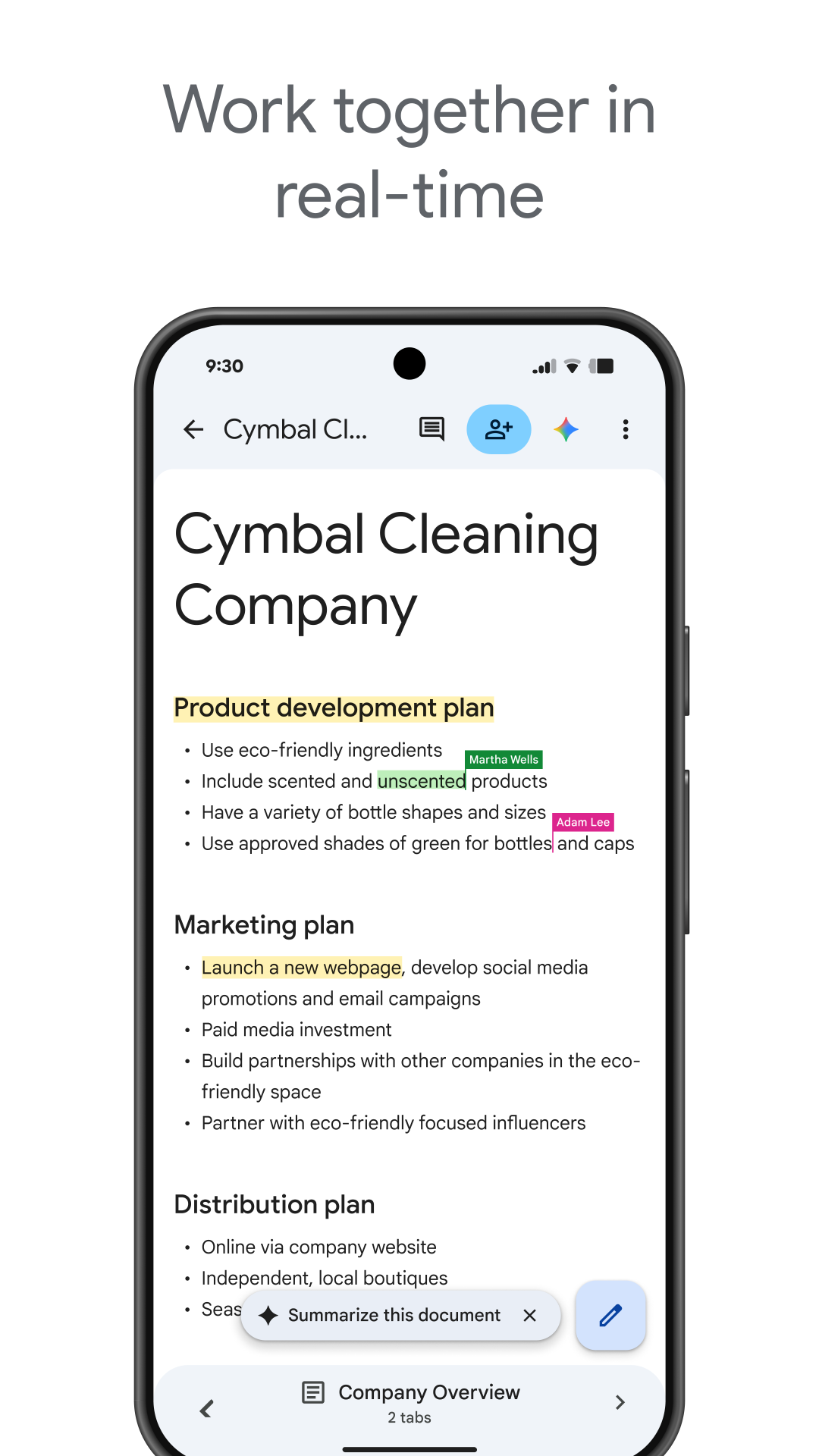
Google Docs revolutionizes how you manage and collaborate on documents across different platforms. With its user-friendly interface and seamless integration, Google Docs allows users to work together in real-time, simplifying complex document management tasks. Say goodbye to traditional, cumbersome methods and embrace an efficient, streamlined approach to document handling. It's time to experience a simplified document management world where productivity thrives without unnecessary stress. Discover the powerful features of Google Docs and enhance your workflow today!
Google Docs Unique Gameplay Features
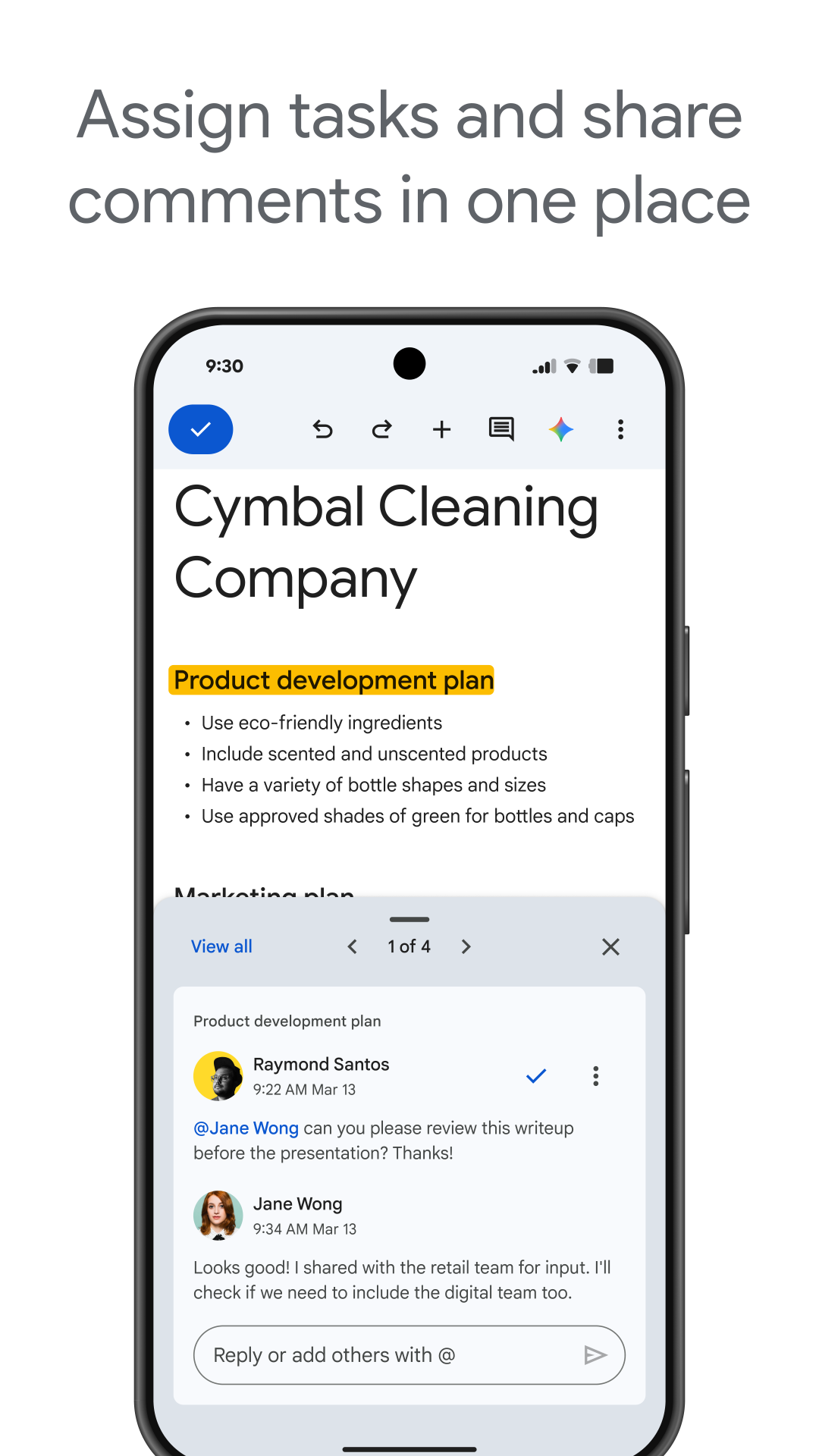
- Real-time collaboration with team members, making communication and feedback effortless through suggestions and comments.
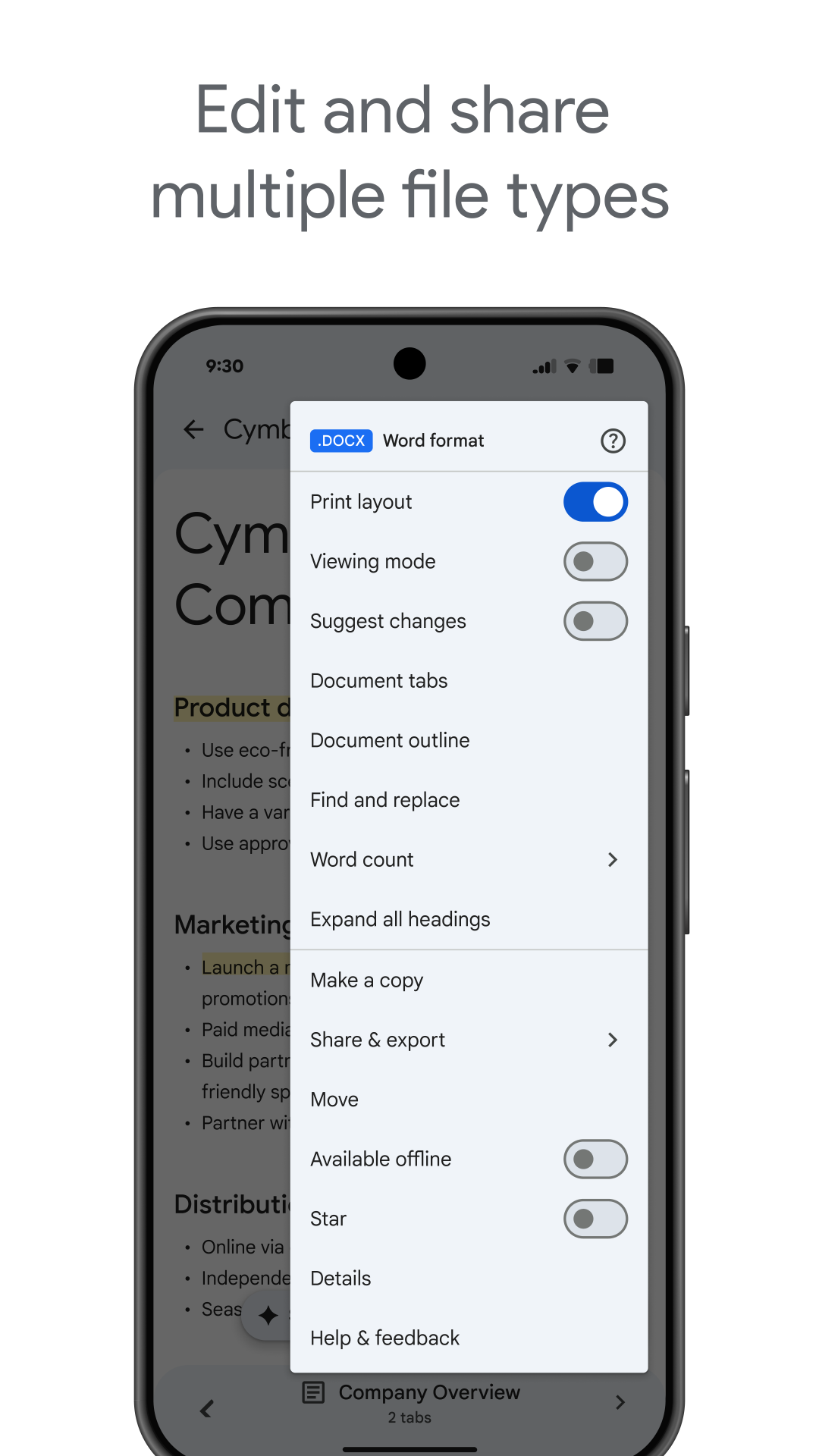
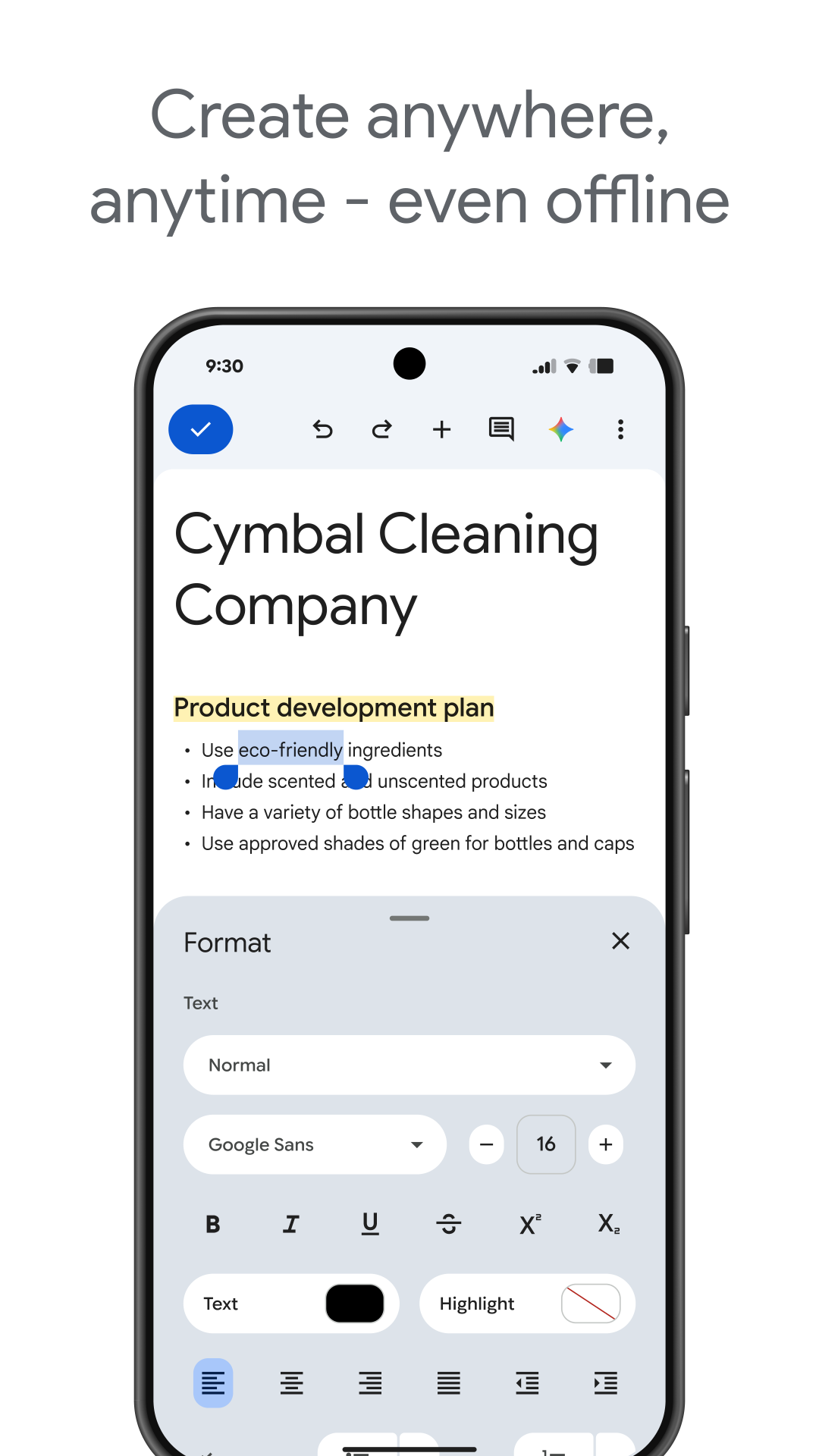
- Cross-device capability allows you to work seamlessly without internet connectivity, ensuring productivity on the go.
- Unlimited version history lets you track changes and revert to previous versions, making document editing feel like time travel.
- Compatibility with various file formats such as Microsoft® Word and PDF, with the ability to export in multiple formats like .docx, .pdf, and more.
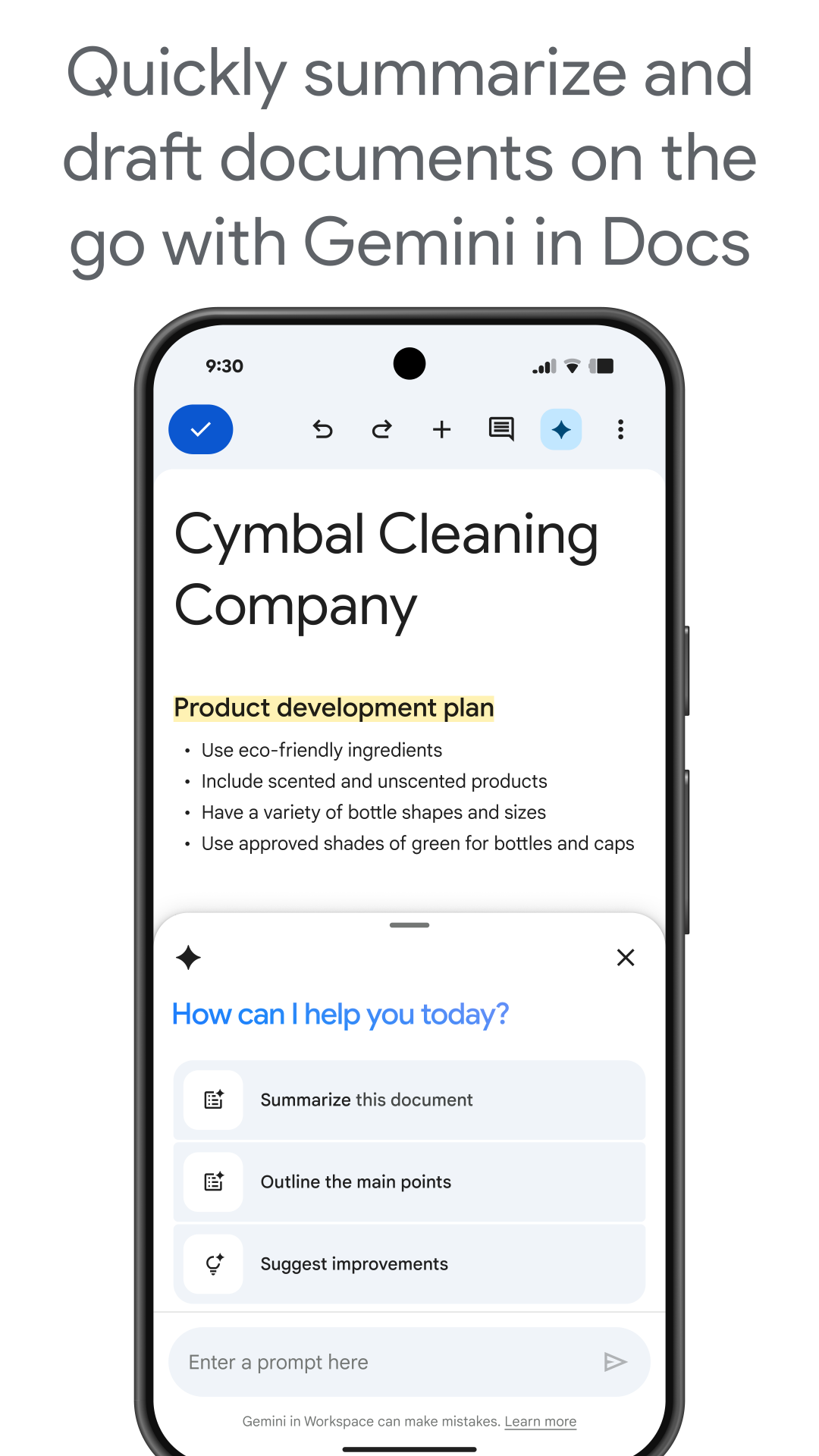
- A built-in search function allows direct searching of the web or your Drive files from within Google Docs.
Google Docs Visual Effects and Sound Effects
- Clean and intuitive interface ensures a smooth user experience, making navigation and document creation a breeze.
- Minimalistic design that emphasizes functionality, allowing users to focus on content without distractions.
- Sound notifications keep you informed about document changes and real-time collaboration updates.
User Reviews for Google Docs
- Google Docs has transformed our team collaboration permanently. Real-time edits and historical tracking have been game-changers!
- I love how Google Docs allows me to work offline whenever inspiration strikes. Never miss a moment of productivity.
- The seamless integration between Google Docs and other formats makes it an indispensable tool for my projects.
What has Google Docs updated recently?
- Improved offline capabilities to ensure even smoother editing without internet access.
- Enhanced security features to better protect user data and documents.
- Faster loading times for a more efficient user experience.
- Refined user interface for a more streamlined navigation.
Download and experience Google Docs
Downloading Google Docs has been a productivity booster for my daily tasks. The app is easy to navigate and provides all the essential features I need for document creation and management. The real-time collaboration functionality has simplified teamwork, allowing instant feedback and updates from my colleagues. Whether I'm working from home or on the road, Google Docs ensures I can access and edit my files effortlessly. If you're looking for a robust document management solution, I highly recommend downloading Google Docs and experiencing its features for yourself.
Information
- Size:133.35M
- Language:EN
- Version:1.26.451.02.90
- Ratings:9.6
- Vendor:Google LLC
- Package ID:com.google.android.apps.docs.editors.docs