PhotoDirector
- Category:Photo Enhancement
- Updated:11 19, 2026
- Rating:9.9
Screenshots
Introduction
The PhotoDirector app from Cyberlink offers Android users a powerful photo editing solution, bringing many of the professional features found in PC-based software directly to smartphones. Designed for both amateur and experienced photographers, PhotoDirector provides a wide range of tools for crafting stunning images. With capabilities that include advanced photo editing, creative presets, animations, and a vast stock library, this application is worth exploring for anyone interested in enhancing their photography skills. Users will find PhotoDirector appealing for its comprehensive features, ease of use, and the convenience of on-the-go photo editing and animation capabilities.
Comprehensive Editing Tools
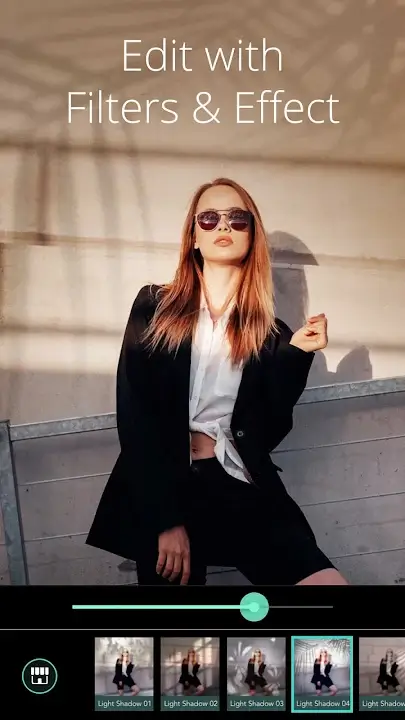
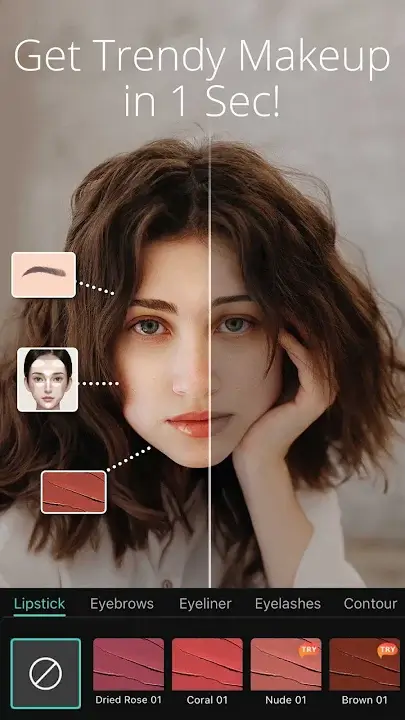
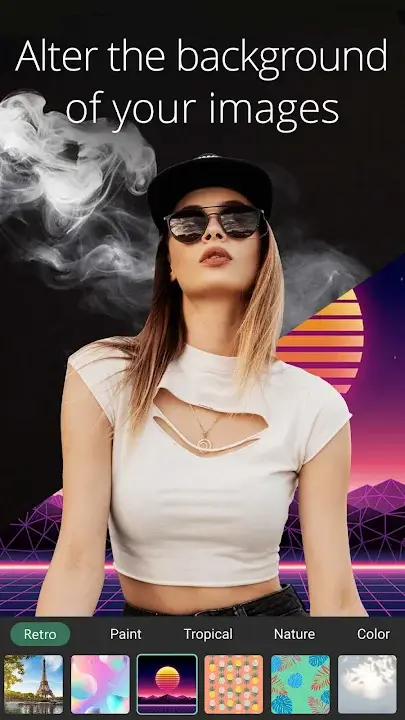
PhotoDirector equips users with all the high-end editing features needed to refine their photography. Key tools include cropper, precision editing, color adjustment, object removal, and face shaper. Advanced users can delve into sophisticated effects like light rays, bokeh, and magic brush. For those interested in animation, the app also provides features such as animated overlays and AI-based tools, offering a dynamic approach to photo design.
Vast Creative Stock Library
The app’s integration with Shutterstock brings an incredibly extensive creative stock library at the user's fingertips. With access to millions of photos, effects, filters, and stickers, users can elevate their projects with these unique resources. This feature is particularly invaluable for those who seek diverse and professional-grade content to bolster their creative works.
Seamless User Experience
PhotoDirector is celebrated for its user-friendly interface, offering tools that both novice and experienced photo editors can navigate with ease. Users can expect a hassle-free editing experience, thanks to seamless integration of tools and intuitive controls. The app also features an ad-free environment, ensuring uninterrupted focus on creativity.
High-Resolution Exports
Understanding the importance of image quality, PhotoDirector allows users to export their creations in ultra-high-definition 4K resolution. This functionality is perfect for those who wish to showcase their work on social media platforms while maintaining professional standards of clarity and detail.
Avoiding Limitations with the Premium Version
While the official version of PhotoDirector includes some restrictions like watermarks and advertisements, users have the option to unlock premium features. This includes full access to the creative library and all advanced tools without any annoying ads or watermark impositions, allowing for the creation of polished, professional-grade images effortlessly.
Conclusion: Unlock Superior Photo Editing
Whether you're a casual photographer or an editing enthusiast, PhotoDirector offers a complete suite of tools to satisfy your needs. Its comprehensive capabilities make it a must-have app for Android users looking to take their photo editing to the next level. If you're ready to explore its features further, consider downloading the app for a transformative photographic experience on your smartphone today.
Information
- Size:209.19M
- Language:EN
- Version:20.18.0
- Ratings:9.9
- Vendor:Cyberlink Corp.
- Package ID:com.cyberlink.photodirector