
App Freezer
- Category:System Tools
- Updated:11 19, 2026
- Rating:8.3
Screenshots
Introduction
With the ever-increasing number of apps vying for attention on every Android device, managing and optimizing performance has never been more crucial. Enter App Freezer, a powerful Android application designed to help you freeze (or disable) unnecessary or pre-installed bloatware on your device. App Freezer offers a straightforward way for Android users to save power, free up memory, and streamline their phones by curbing background activity. For users seeking to maintain optimal device performance and organization, App Freezer presents a compelling and efficient solution.
Main Features and Functions
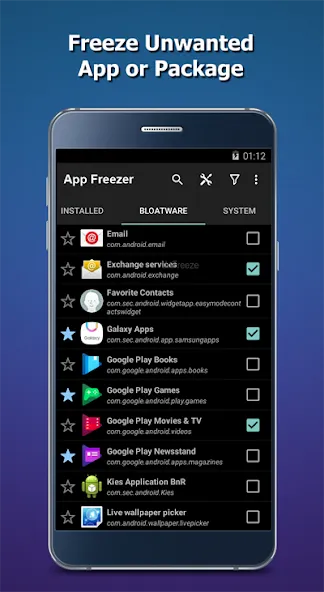
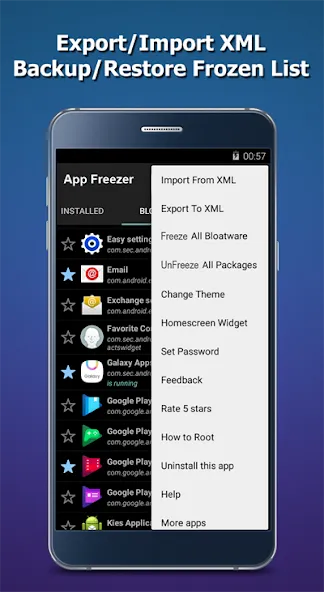
App Freezer’s functionality is centered around its ability to freeze or unfreeze apps or packages. This crucial feature allows users to disable unwanted system apps and pre-installed software quickly. What sets App Freezer apart is the one-click freeze/unfreeze capability, which lets users manage bloatware and resource-draining apps effortlessly. Additionally, there is an export/import feature for an XML backup and restore of frozen apps, making data management seamless.
Applications for Different Devices
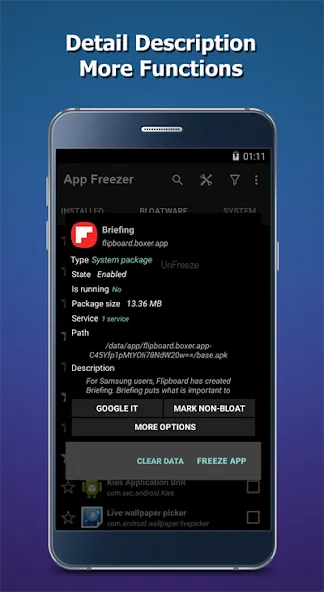
Versatility is a key component of App Freezer, as it supports both rooted and non-rooted Android devices. For rooted users, advanced options such as detailed app information and package uninstallation are available. Non-rooted users aren’t left behind; they can still utilize App Freezer via device administrator mode, provided certain technical prerequisites are met. This adaptability makes App Freezer suitable for a diverse range of devices, including those from Samsung, Xiaomi, Huawei, and more.
Enhanced User Experience
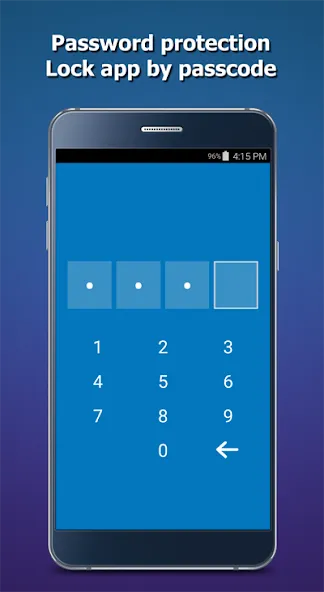
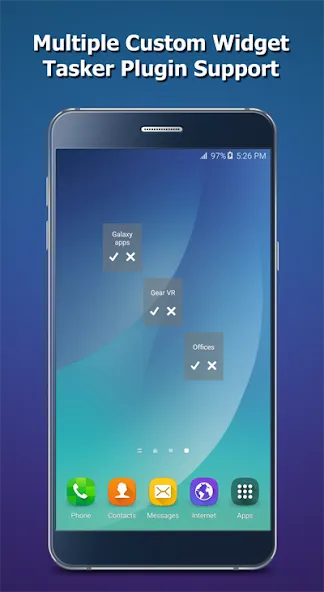
The user interface of App Freezer is designed for ease of use with features like a widget for home-screen convenience, fingerprint authentication for additional security, and smart filters to check on frozen, running, or favorited apps. These elements contribute to a user-friendly experience, ensuring that the app's functionalities are accessible and the process of application management is simplified for daily operation.
Safety and Permissions
App Freezer operates with a strong commitment to safety, requiring root permissions or device administrator rights for core functions. All permissions are explicitly stated for user awareness. Notably, while it does not access personal data, it collects anonymous crash logs to improve app stability. Users are advised to unfreeze all apps prior to system updates to avoid potential problems.
Conclusion: Your Android Maintenance Ally
App Freezer stands out as an invaluable tool for Android users aiming to maintain their devices' performance efficiently. With its ability to optimize resources by minimizing unnecessary background activities, it serves as a vital app for both everyday users and advanced tech enthusiasts. If you're looking to streamline your Android experience, consider downloading App Freezer to unlock a cleaner and more efficient device usage. Discover the full capabilities of App Freezer by exploring your APK download options today.
Information
- Size:13.96M
- Language:EN
- Version:2.1.1
- Ratings:8.3
- Vendor:MobizSystems
- Package ID:com.wakasoftware.appfreezer