KUNI Cam
- Category:Photo Enhancement
- Updated:11 20, 2026
- Rating:7.7
Screenshots
Introduction
In a world where visuals speak louder than words, KUNI Cam emerges as a remarkable Android application designed to enhance your imagery. Offering over 190 pre-made filters and the ability to save personalized presets, KUNI Cam provides a user-friendly editing experience that makes professional-grade photo and video edits accessible to everyone. This app not only caters to photography enthusiasts looking to elevate their work but also to casual users who want their memories to stand out seamlessly. The Android community is bound to find KUNI Cam indispensable for its powerful yet intuitive features.
Main Features and Functions
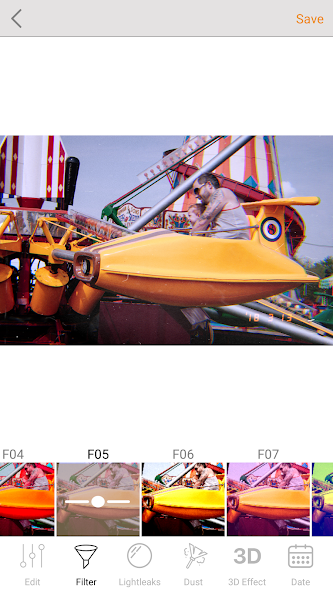
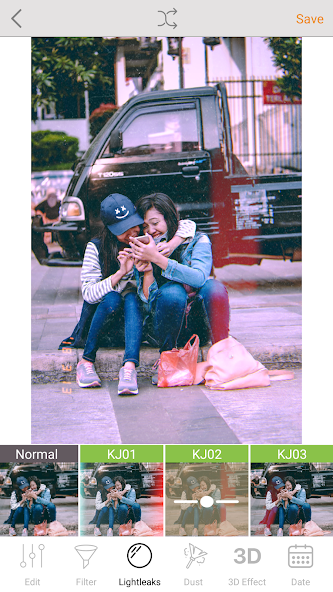
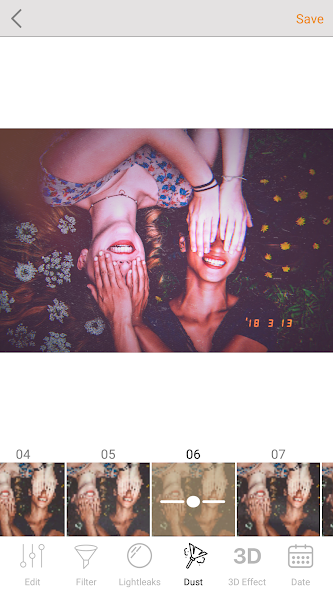
KUNI Cam brings a wealth of features that elevate the editing process. Its super-fast processing allows for swift edits, essential for users eager to share their creations promptly. The app's non-destructive editing feature ensures every tweak remains reversible, safeguarding your original content while offering endless creative revisions. With specialized filters such as dust and color, plus advanced tools such as HSL adjustment and a 3D glitch effect, users can add a unique flair to their photos and videos effortlessly.
Application Usage and Practical Benefits
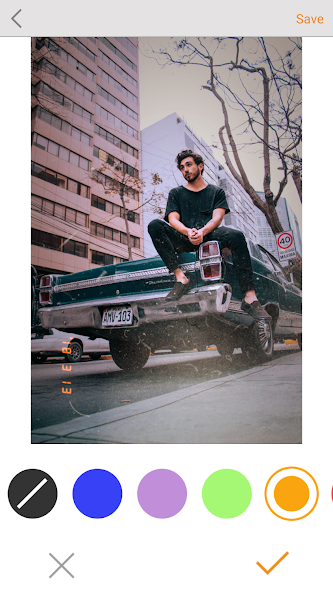
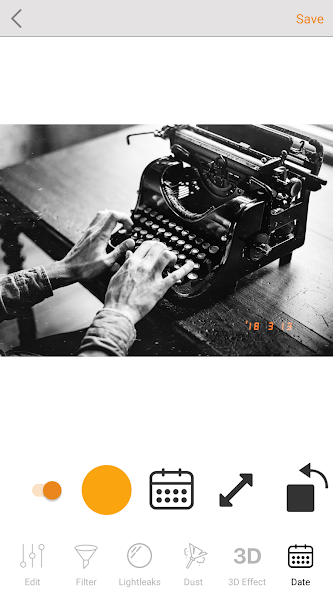
Whether you're adjusting the finer details with fade and grain effects or opting for a vintage touch through various date stamp formats, KUNI Cam delivers versatility in every aspect of editing. It's engineered to support both photos and video content, making it a go-to solution for creators who switch between media types. The simultaneous recording feature captures both the edited and original footage, granting users flexibility for future edits.
Interface and Visual Presentation
KUNI Cam’s interface is intuitively designed to streamline the editing process. Users can navigate effortlessly through its array of features, from cropping and rotating to complex color adjustments. This layout ensures that even beginners can wield the app’s capabilities with confidence, enhancing their creative projects without a steep learning curve.
Advantages and Distinguishing Characteristics
Distinguished by its ability to save personalized presets, KUNI Cam lets users tailor their editing workflow, ensuring consistency across their visual projects. This app stands out with its comprehensive suite of filters and editing tools, making intricate edits possible without the need for specialized skills. Its capability to revert edits safeguards workflow flexibility, while its efficient interface supports a streamlined user experience.
Explore KUNI Cam on Android
KUNI Cam is crafted for those who seek to enrich their visual storytelling through sophisticated yet accessible editing tools. Photographers, content creators, and casual users alike can explore its full potential by downloading the APK from trusted platforms. Whether you’re crafting social media posts or documenting life’s moments, KUNI Cam is equipped to enhance your images and videos like never before. Discover the profound impact of KUNI Cam on your creative journey by downloading it for your Android device today.
Information
- Size:59.84M
- Language:EN
- Version:2.1.2
- Ratings:7.7
- Vendor:GinnyPix
- Package ID:com.ginnypix.kuni