
Icon Creator
- Category:System Tools
- Updated:11 20, 2026
- Rating:9.0
Screenshots
Introduction
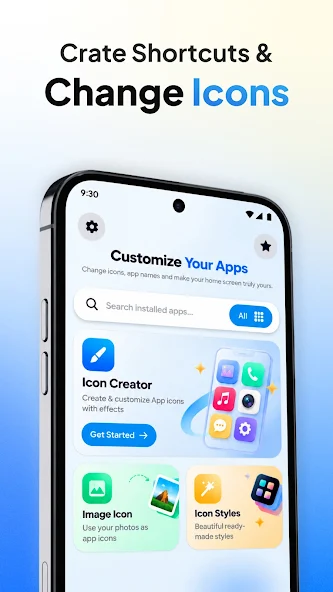
Icon Creator is an innovative Android application designed to streamline the process of creating customized shortcuts on your device's home screen. With Icon Creator, you can personalize your smartphone experience by setting custom icons and shortcut names, making it easier to access applications and specific activities with just a tap. Android users looking to enhance their home screen functionality and aesthetics will find this app both practical and enjoyable.
Custom Shortcut Creation
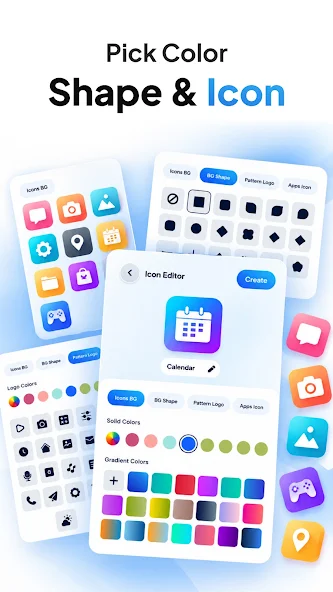
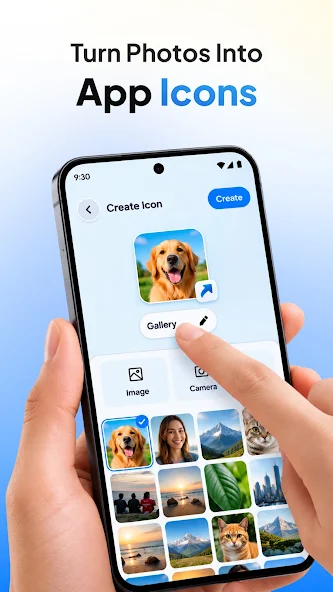
Icon Creator offers a robust toolset for crafting personalized shortcuts. Users can select any installed app and create a new shortcut on the home screen. This allows for the customization of the shortcut's appearance, including setting a unique name, choosing an image from the gallery, or taking a new photo for the icon. Such features help in aligning the shortcuts to the device's overall theme and making the home screen more intuitive.
Accessing App Activities
A standout feature of Icon Creator is its ability to generate shortcuts not just for apps, but for specific activities within the apps. If an app supports multiple activities, this function can be highly beneficial. Users can directly jump to a particular screen or activity without navigating through the entire app, saving time and effort.
Icon Customization Options
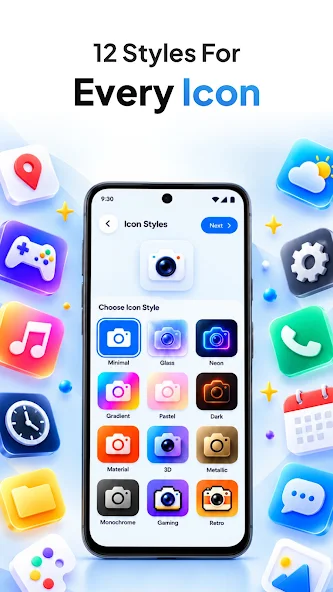
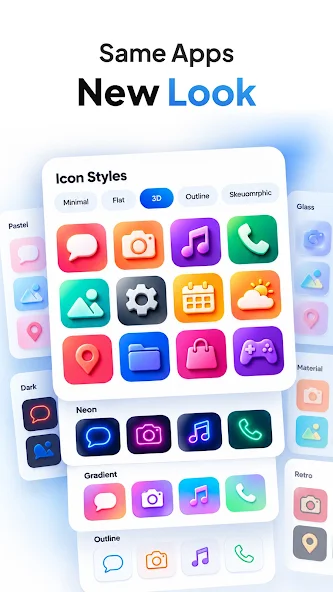
Icon Creator provides extensive customization options for the icons used in shortcuts. Users can opt to edit pre-existing app icons, change colors, or entirely redesign the visual appearance to suit their style. This level of customization allows for a highly personalized and cohesive home screen design.
Efficient User Interface
Navigating Icon Creator is straightforward, designed with an emphasis on user-friendliness. The process of creating a shortcut involves selecting the target app, choosing or editing an icon, and naming the shortcut—all executed through a simple, step-by-step approach. This ensures that even novice users can take full advantage of the app's capabilities without a steep learning curve.
Convenient and Practical Enhancements
The ability to create and edit shortcuts with customized icons and names helps users keep their home screens organized and functional. For frequent tasks and applications, having direct access through tailored shortcuts on the home screen can significantly enhance productivity and ease of use.
Download Icon Creator for Enhanced Functionality
Icon Creator is ideal for Android users seeking to optimize their device's interface through personalized shortcuts. By enabling a seamless access route to your favorite apps and activities, it ensures a streamlined user experience. To explore its full range of features and start customizing your home screen, you can download the APK version of Icon Creator. Its user-friendly setup and diverse customization options make it a worthy addition for those passionate about personalizing their mobile devices.
Information
- Size:16.68M
- Language:EN
- Version:2.0.0
- Ratings:9.0
- Vendor:GoNext
- Package ID:com.gonext.iconcreator