
GC Auto Clicker
- Category:System Tools
- Updated:11 21, 2026
- Rating:8.4
Screenshots
Introduction
With the rise of technology-driven applications aimed at enhancing convenience, GC Auto Clicker emerges as a standout Android app dedicated to automating clicking tasks on your device. GC Auto Clicker caters to those weary of repetitive tapping by seamlessly integrating precision and efficiency. Whether you're a gamer seeking an edge in repetitive tasks or a digital enthusiast looking to streamline your device interaction, GC Auto Clicker presents an innovative solution to ease your digital workload and enhance your Android experience.
Key Features of GC Auto Clicker
GC Auto Clicker is packed with features designed to make device interaction effortless:
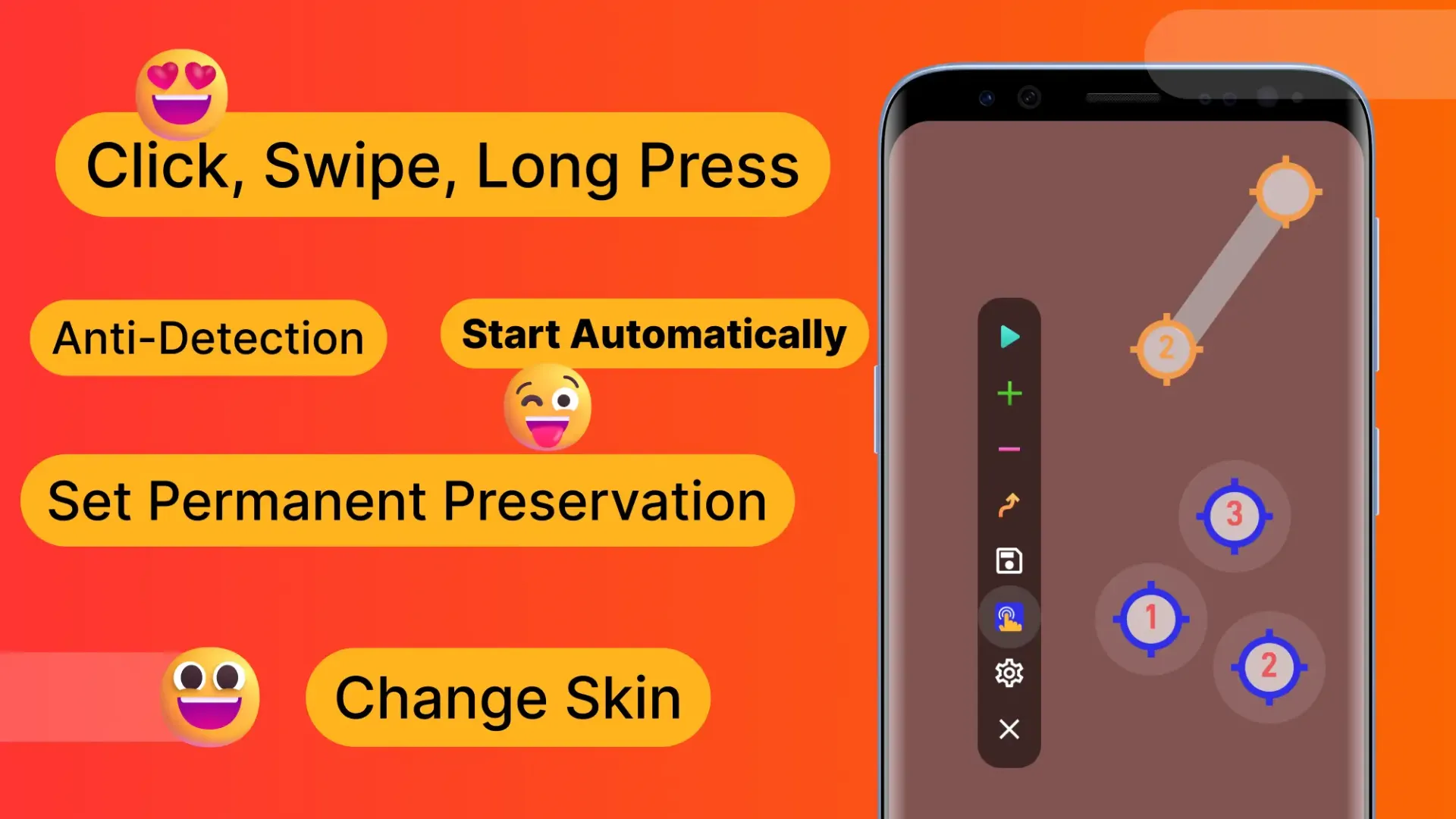
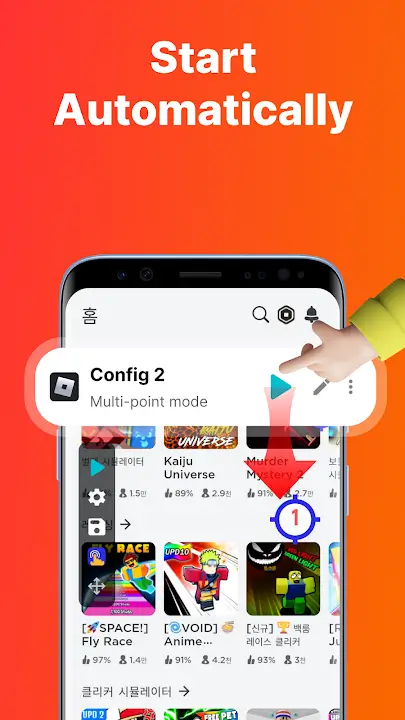
- Delayed Timed Start: Initiate clicks with adjustable delays to suit specific needs.
- Synchronous Clicks: Execute clicks simultaneously on multiple targets on your screen.
- Multi-touch Click Mode: Create sequences of automated actions across various targets, crafting a streamlined process.
- Game Anti-Detection: Use this feature to ensure auto-clicking actions mimic human behavior, maintaining stealth in gaming scenarios.
- Floating Control: Adjust opacity to keep controls unobtrusive, aiding uninterrupted focus on your tasks.
- Import and Export Configurations: Effortlessly save or transfer your customized settings between devices.
User Experience and Versatility
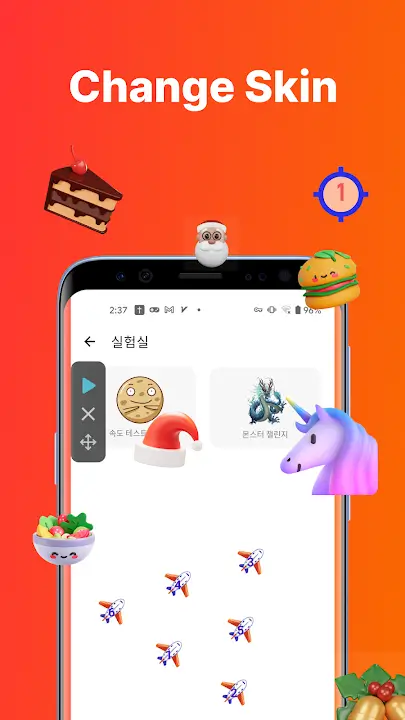
GC Auto Clicker is not just about automation; it's about crafting a personalized experience. With the ability to customize click styles and integrate random intervals and coordinate ranges, users can tailor interactions to their unique preferences. The app ensures a seamless transition across devices with its import and export capabilities, allowing users to maintain their settings with ease.
Practical Applications
GC Auto Clicker finds broad appeal among gamers and professionals alike. Gamers benefit from the automation in tasks requiring repeated tapping, while social media managers can automate interactions to enhance productivity. This app is a boon for anyone who wishes to infuse their routine with automated precision, reducing physical strain and saving time.
Guided Support and Compatibility
To assist users in utilizing the GC Auto Clicker to its fullest potential, comprehensive instructional content is available on its YouTube channel and official website. Compatible with Android versions 7.0 and above, the app efficiently operates through the AccessibilityService API, all while not requiring ROOT access—a convenient feature for a wider user base.
Conclusion: Enhance Your Android Experience with GC Auto Clicker
GC Auto Clicker stands out as a transformative tool for Android users desiring automation in their digital interactions. Applicable across a multitude of scenarios, this app alleviates the tedium of repetitive clicking tasks, especially for those focusing on multitasking efficiency. By offering an array of customization options, GC Auto Clicker demonstrates its dedication to enhancing user experience. Explore its download details to discover how it can revolutionize your Android device usage.
Information
- Size:45.44M
- Language:EN
- Version:2.4.14
- Ratings:8.4
- Vendor:gc auto clicker.
- Package ID:com.speed.gc.autoclicker.automatictap