Memes
- Category:Work & Study
- Updated:11 16, 2026
- Rating:8.2
Screenshots
Introduction
Memes is a leading Android application that has captured the hearts of millions as a go-to tool for creating viral entertainment with ease. Known for its speed and simplicity, Memes eliminates the barriers to creative expression, allowing users without advanced skills to craft humor effortlessly. Whether you aim to parody friends, comment on pop culture, or create the next viral template, Memes serves as a comprehensive comedic studio available anytime, anywhere. With its impressive collection of features and user-friendly interface, it's easy to see why this app is a favorite among Android users.
Main Features and Functions
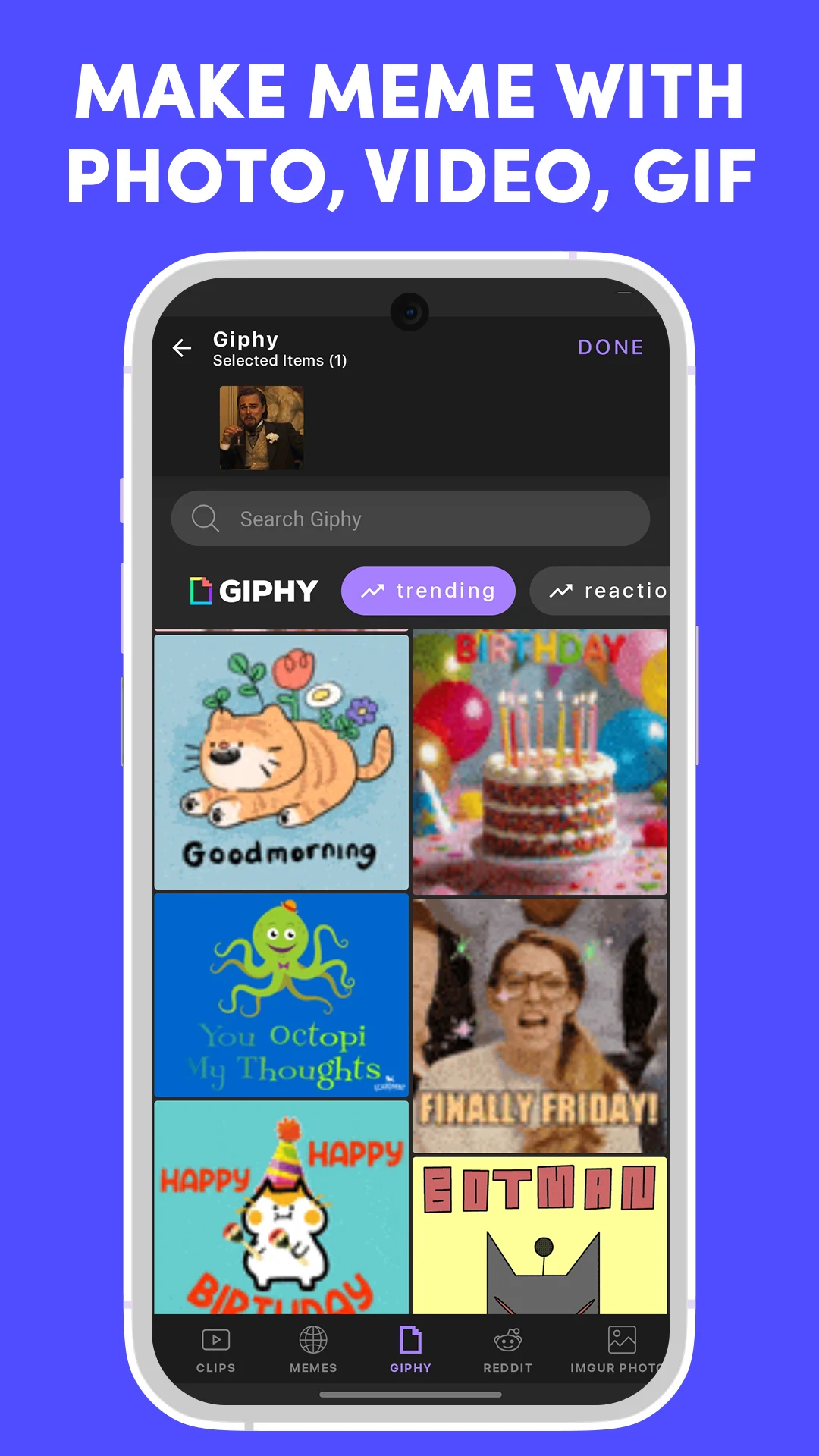
Memes offers a universal canvas that allows users to craft static image memes, looping GIFs, or full video memes. With access to a variety of popular templates, including those from Drake, Rihanna, HBO, and more, creativity knows no bounds. For personalized content, users can pull images or videos directly from their gallery or capture new ones on the fly.
Creative Tools and Effects
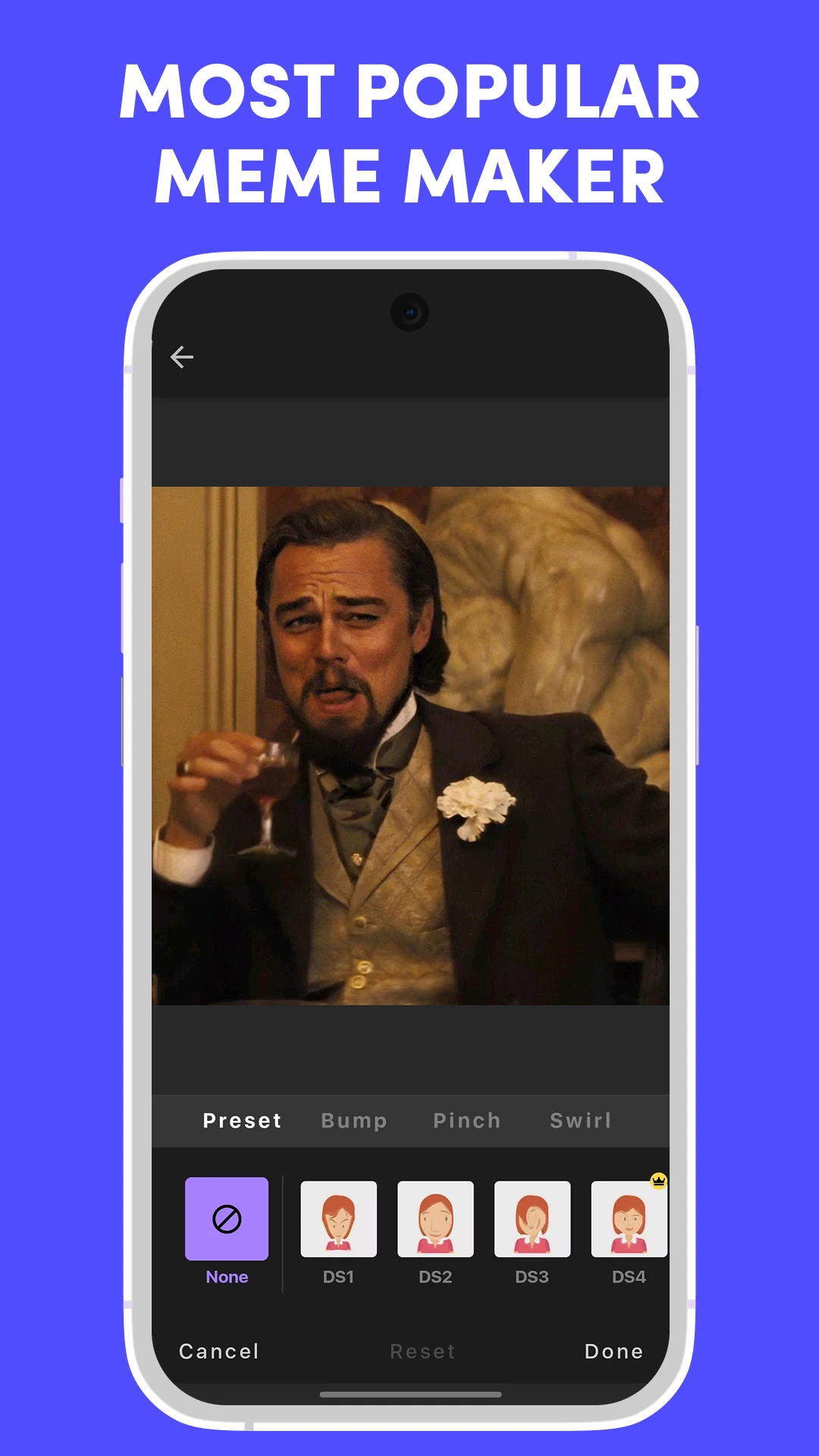
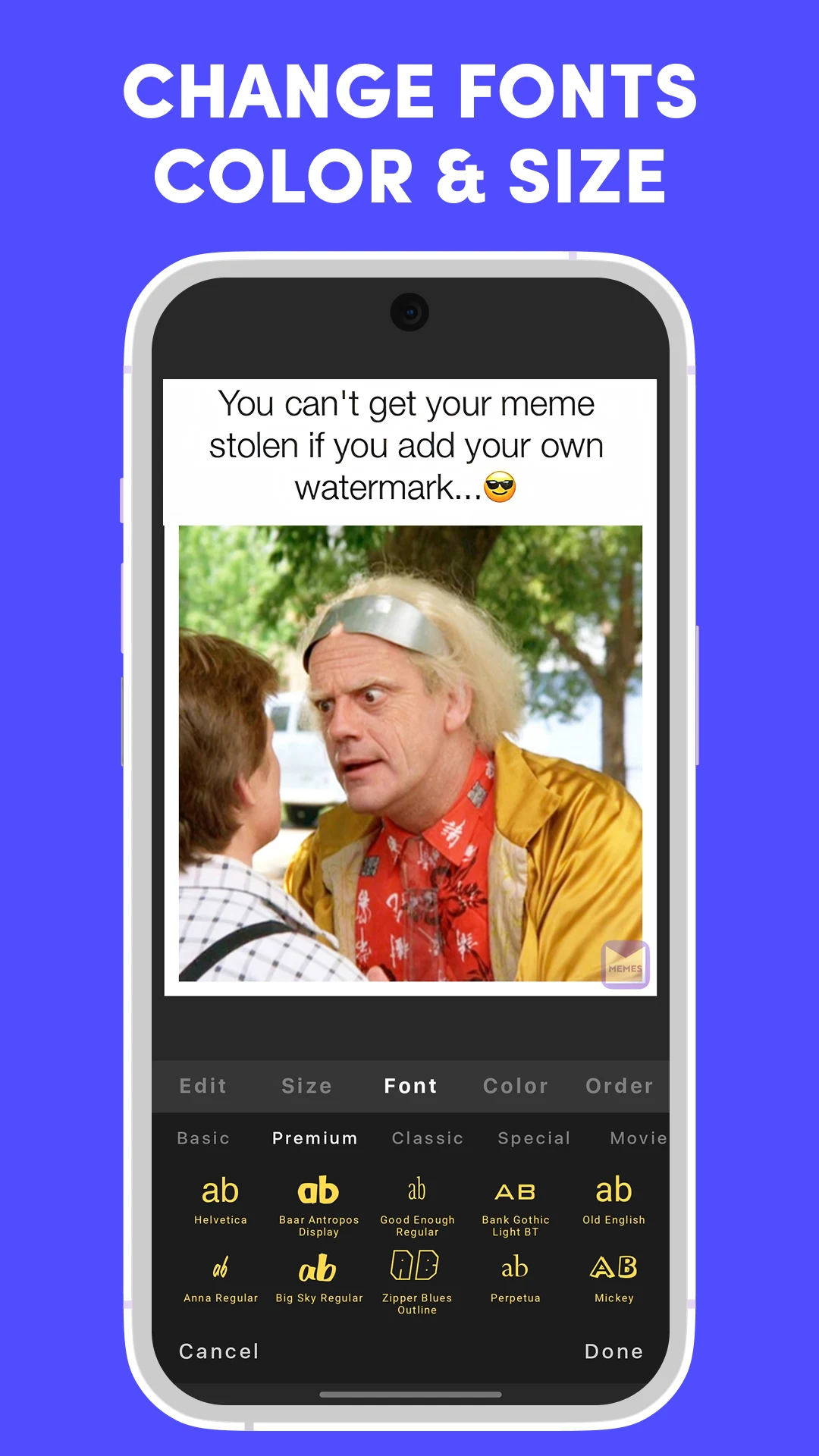
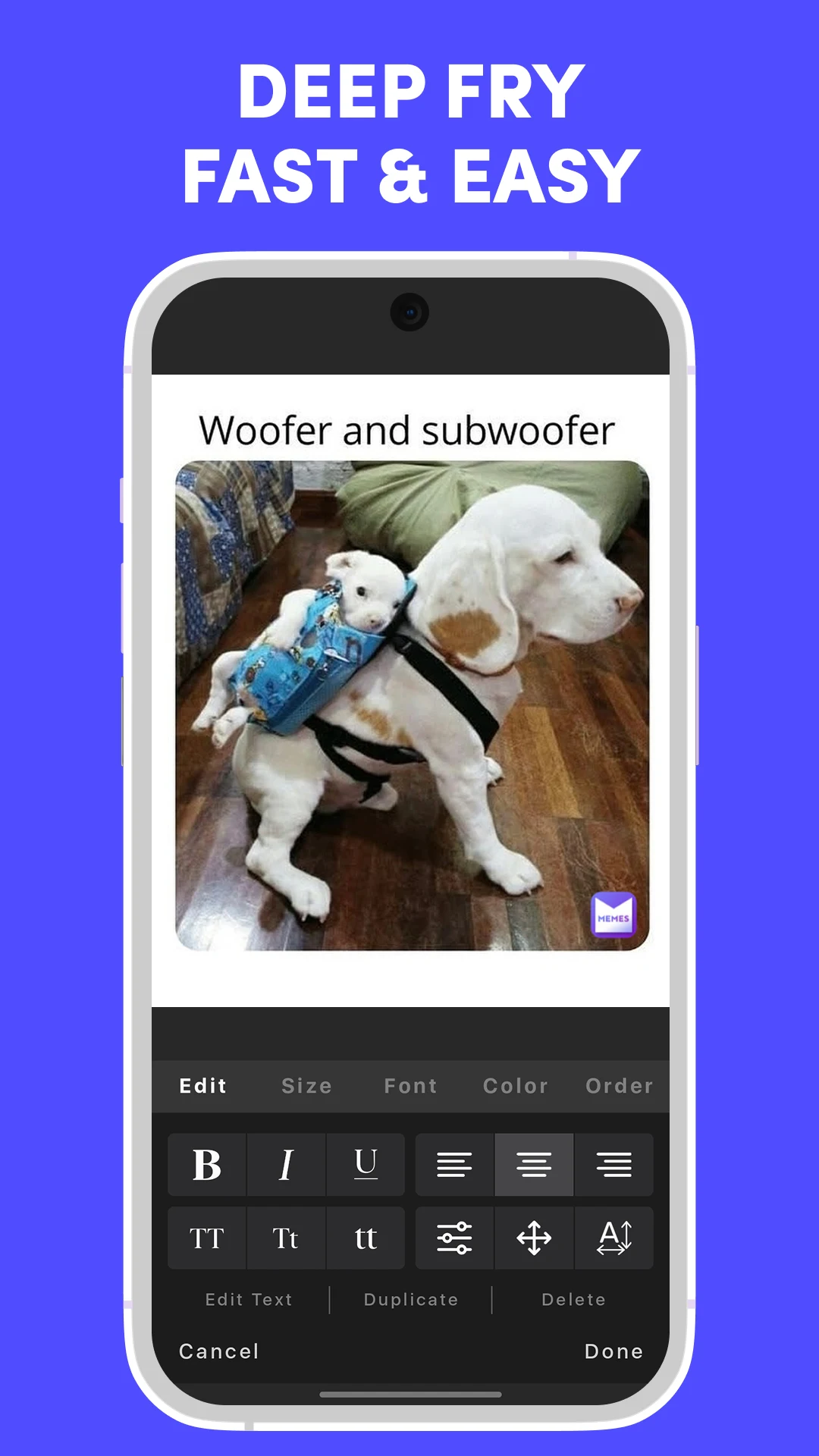
The application boasts a robust toolkit including the "deep fry" effect, speed control for dramatic slow motion or rapid-fire humor, and unique filters such as distortion and glitch effects. These features allow users to add an extra layer of chaos and hilarity to their creations. Additionally, the text and sticker library offers dynamic fonts, custom Rage Comic expressions, and quick watermarks to personalize each masterpiece further.
Collage and News Lab
For those looking to get more experimental, Memes allows you to merge multiple photos into split-screen meme collages. An added headline generator facilitates the creation of authentic-looking "breaking news" screenshots, perfect for sharing creative content with a touch of realism.
Easy Sharing and Social Integration
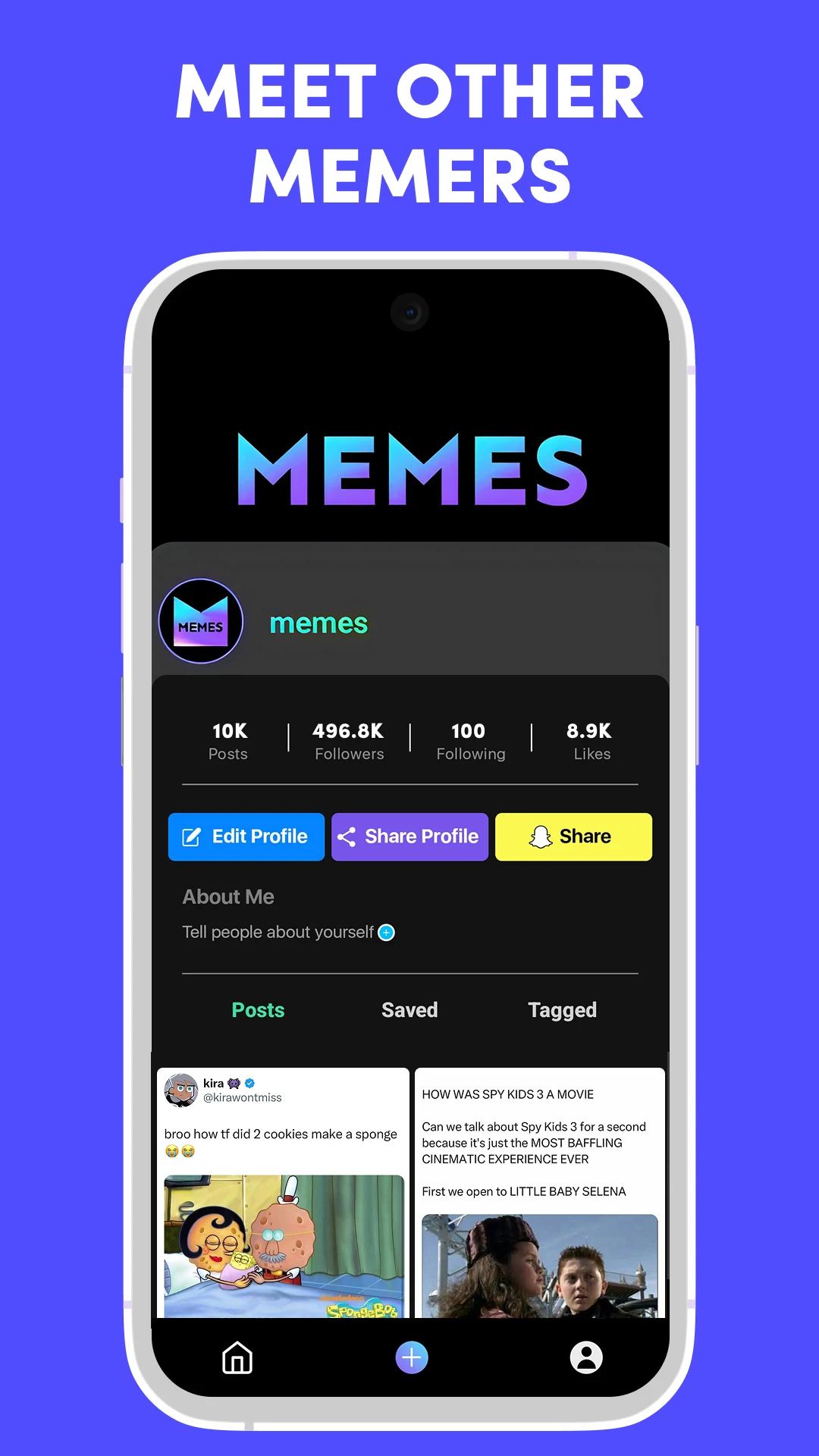
Once your meme is perfected, Memes makes sharing a breeze. Users can upload content directly to their profile, add the hashtag #memesapp, and potentially catch the eye of followers in the app's trending feed. Additionally, seamless sharing to platforms such as Instagram, Snapchat, and WhatsApp ensures your creations reach a wide audience.
User Experience and Practical Applications
Memes' straightforward interface features three simple buttons for photo, video, and GIF formats; users can start with a popular template or opt to upload their media. Editing is easy with adjustable text boxes and customizable features such as stickers and playback speed, which can be previewed in real time. Finally, exporting options include MP4 or GIF formats with selectable quality levels, suitable for different needs and platforms.
Conclusion: Create and Share with Memes
For Android users eager to delve into meme creation, Memes offers a robust suite of tools to make the process fast, fun, and accessible. With its array of templates, editing capabilities, and social sharing options, Memes empowers anyone to produce and distribute entertaining content effortlessly. If you're looking to explore meme-making or want to engage with a creative community, discover what Memes can do for you by downloading it today.
Information
- Size:25.3M
- Language:EN
- Version:3.2.16
- Ratings:8.2
- Vendor:Memes Apps Llc
- Package ID:com.memes.plus