
CapCut
- Category:System Tools
- Updated:11 17, 2026
- Rating:8.4
Screenshots
Introduction
CapCut is a cutting-edge Android application designed for video editing enthusiasts and professionals. With its broad spectrum of features, CapCut serves as a comprehensive video editing solution right on your smartphone. Whether you're a seasoned editor or new to this creative field, CapCut offers powerful tools comparable to those seen in professional PC software such as Adobe or Filmora. Users can expect an easy-to-navigate interface equipped with premium resources, enabling the creation of stunning visual projects effortlessly. The app's hallmark features include trendy templates, classic editing tools, and an intuitive overlay editor, all crafted to enhance your video editing experience.
Advanced Video Editing Tools
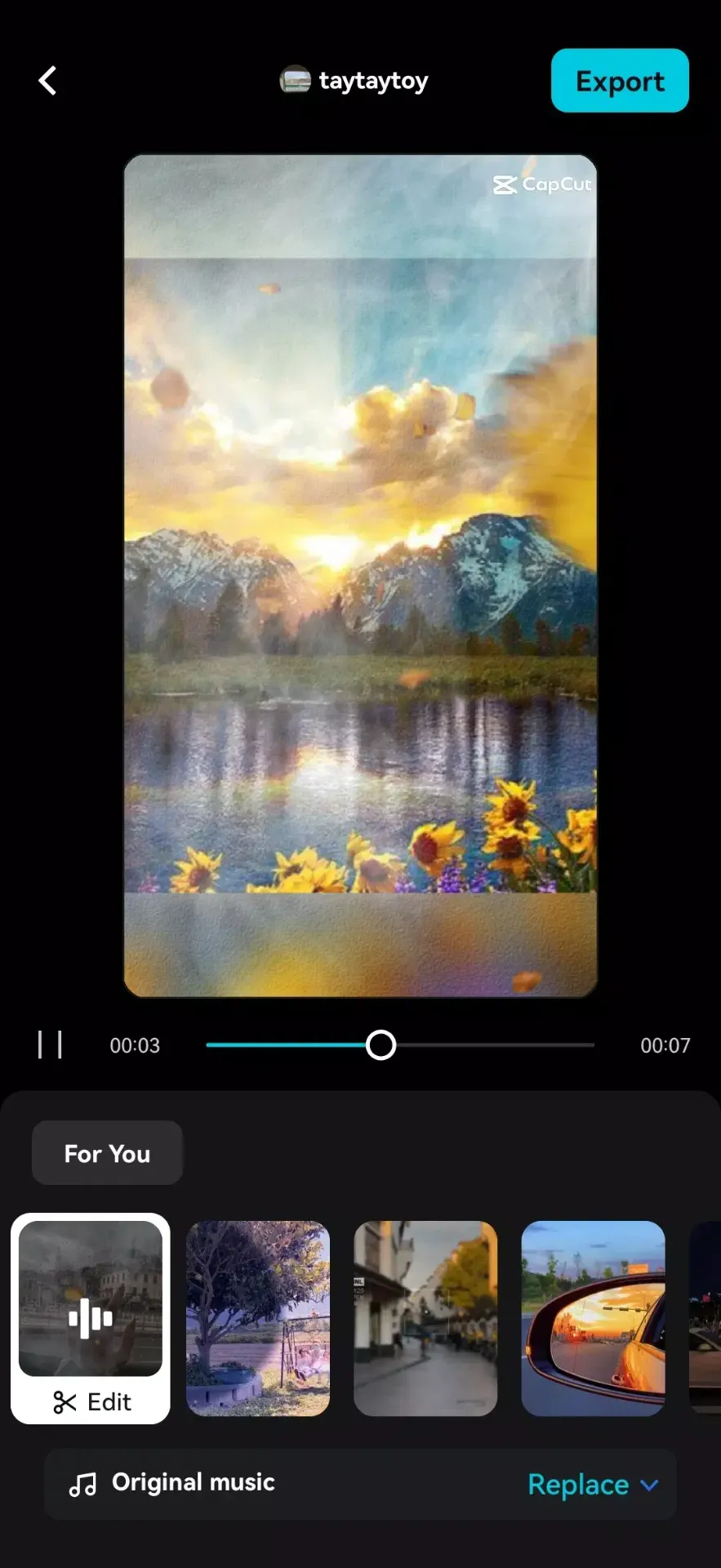
Built for both amateurs and professionals, CapCut delivers an impressive array of tools that rival those of desktop software. Users can leverage the app's features such as Music Extractor, Video Merger, Speed Enhancer, and Slow Motion effects. These tools facilitate precise and creative edits without the need for complex equipment. Moreover, CapCut’s app design allows single-handed operation, making it convenient for on-the-go editing projects.
Utilize Trendy Filters and Templates
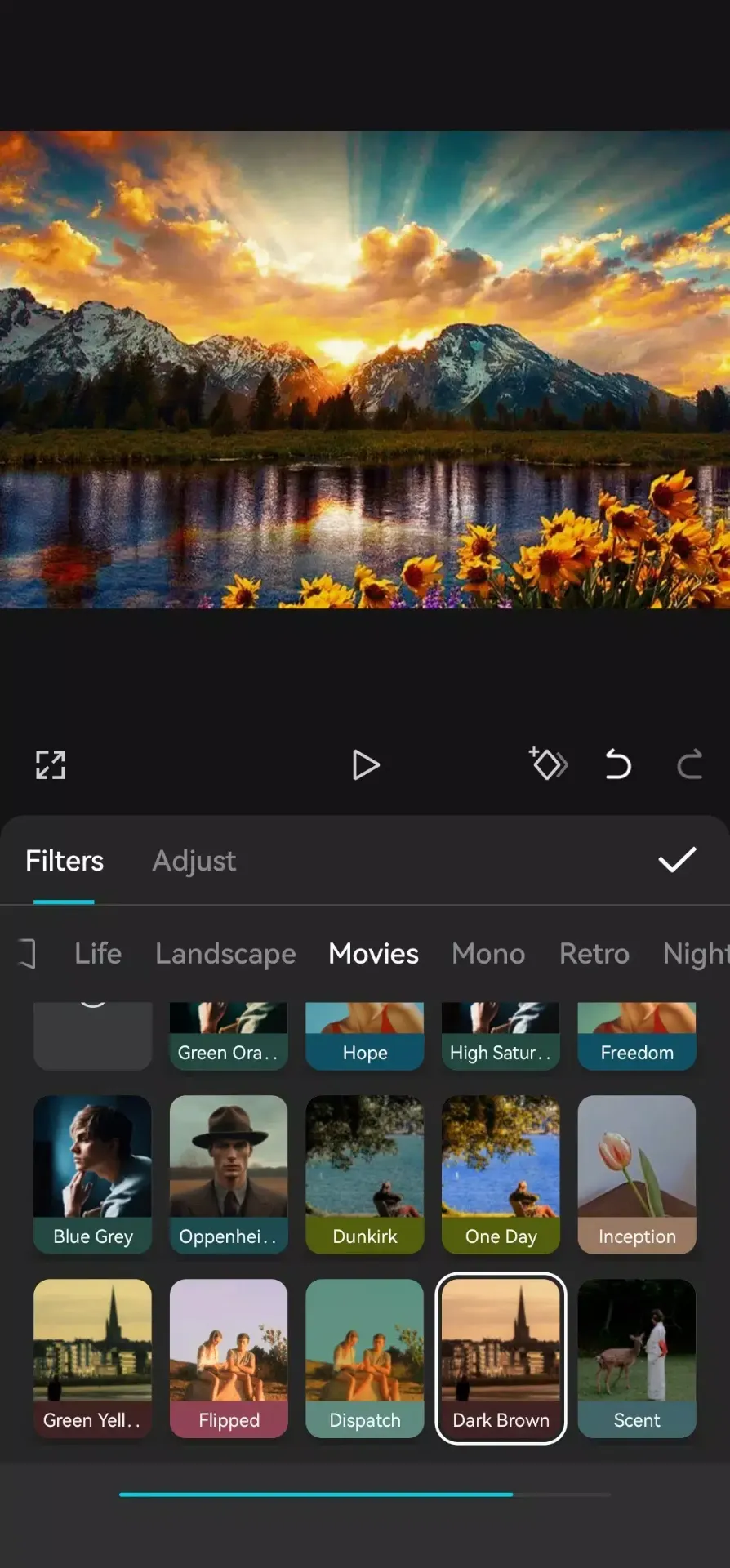
In a world where visual content holds sway, CapCut stands out with its rich collection of trendy filters and pre-designed templates. These resources empower users to transform ordinary footage into captivating videos with minimal effort. By employing these design elements, videos automatically gain dynamic movements and unique styles, eliminating the need for labor-intensive manual edits.
Immersive User Experience
CapCut provides a seamless editing experience by eliminating common annoyances such as ads and watermarks. The app ensures an uninterrupted creative flow, allowing users to focus entirely on their projects without distractions. This ad-free environment is particularly beneficial for creators who require a professional output for their audience.
Comprehensive Resource Library
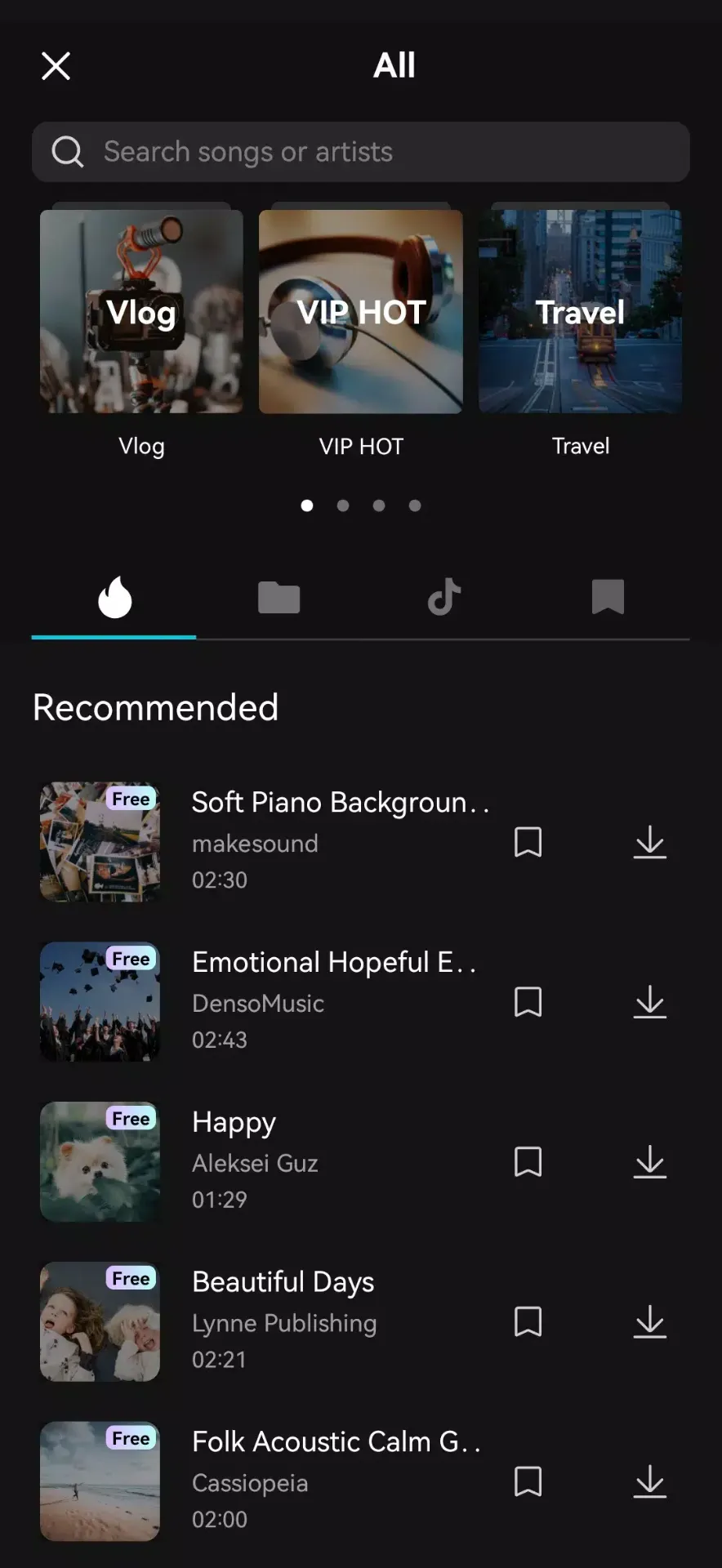
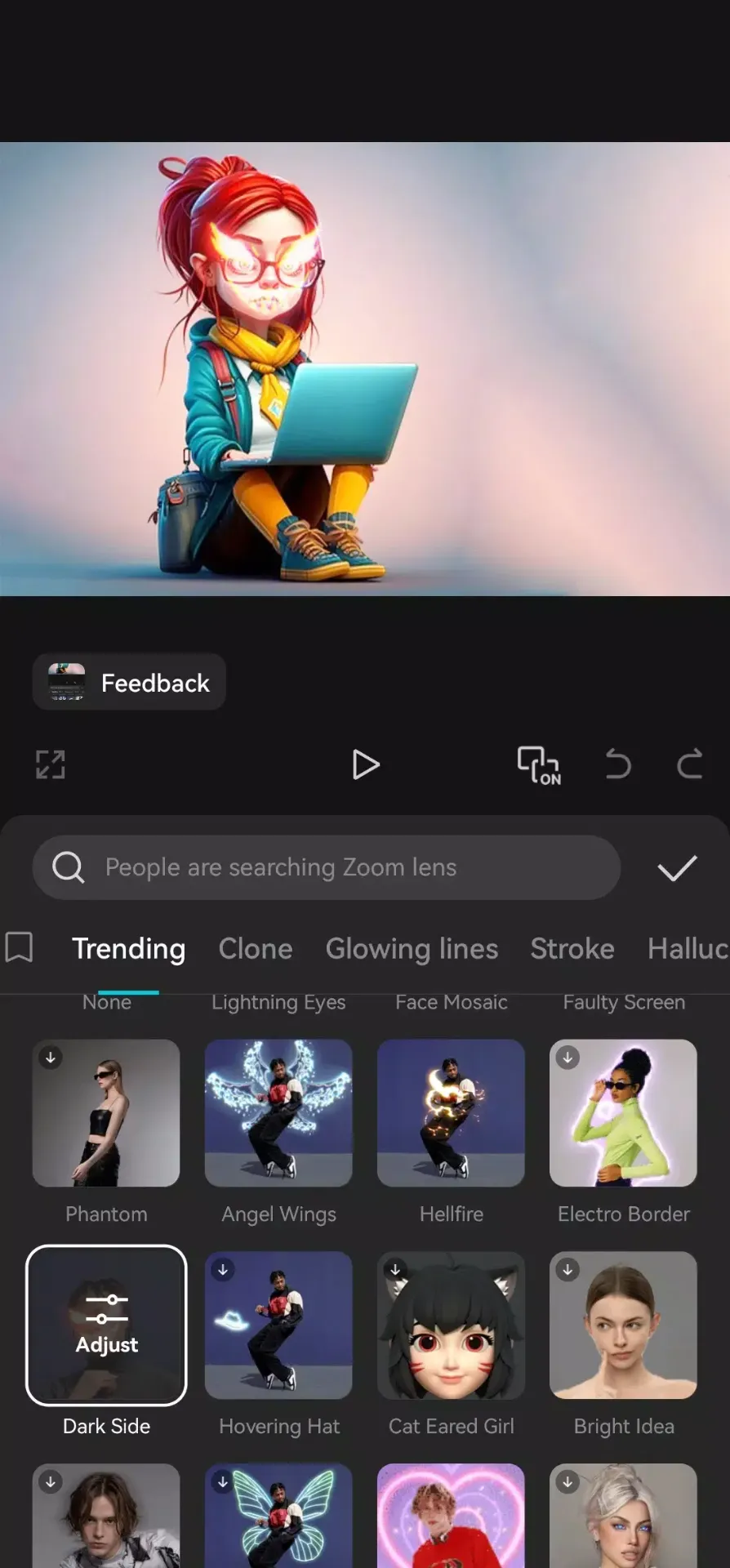
The app's premium library is a treasure trove of over a thousand customizable resources including filters, stickers, and effects. While these resources typically require a subscription, CapCut users can enjoy unrestricted access, nurturing creativity without financial constraints. Such expansive options enable editors to produce attention-grabbing content that stands out in saturated visual markets.
Conclusion: Elevate Your Editing with CapCut
In conclusion, CapCut is a powerful Android application that redefines video editing by bringing professional-grade tools and resources to your fingertips. Its stellar features such as trendy templates, classic editing tools, and an ad-free, watermark-free experience make it an invaluable tool for content creators looking for quality and ease. Explore the world of CapCut and experience how it can transform your video editing endeavors on your Android device. Consider exploring its download options to start crafting captivating videos today.
Information
- Size:310.92M
- Language:EN
- Version:20.2.0
- Ratings:8.4
- Vendor:Bytedance Pte. Ltd.
- Package ID:com.lemon.lvoverseas