Samsung Remote
- Category:System Tools
- Updated:11 17, 2026
- Rating:6.7
Screenshots
Introduction
The Samsung Remote is an Android application designed to revolutionize the way you interact with your Samsung Smart TV. Instead of fumbling with traditional remotes or replacing batteries frequently, you can now control your TV effortlessly through your smartphone. Offering a seamless integration, Samsung Remote provides an intuitive and hassle-free TV control experience that appeals to Android users looking for convenience and efficiency in their daily viewing habits.
Practical Features and Functions
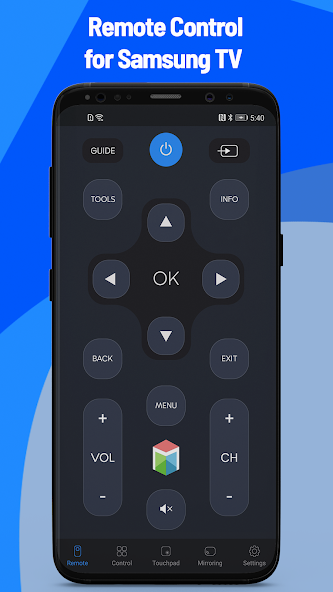
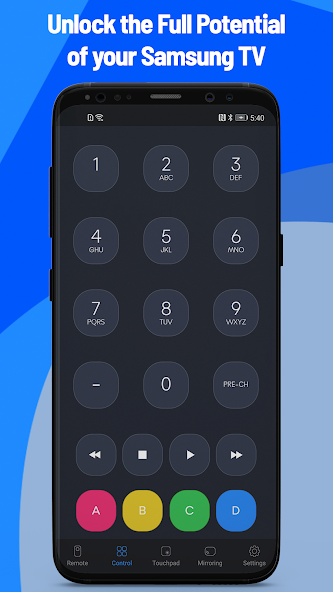
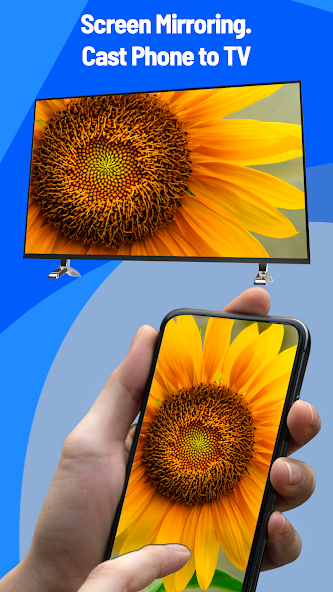
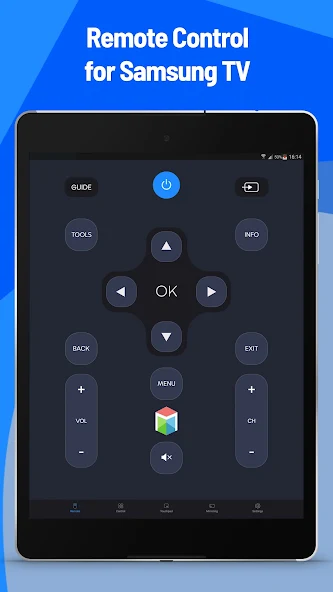
Samsung Remote stands out by transforming your mobile device into a fully functional TV remote control. It connects to your Samsung Smart TV via Wi-Fi, allowing you to switch channels, adjust volume, and access menus without the need for a physical remote. Additionally, it offers an IR remote mode as an alternative for users encountering Wi-Fi issues. This ensures your Android phone can double up as a TV remote with or without an internet connection.
Two Modes for Complete Flexibility
One of the unique charms of Samsung Remote is its dual-mode capability. The application can transition smoothly between the Wi-Fi mode and the IR mode. For the IR mode, your Android device must be equipped with a built-in IR blaster, which allows you to control TV models that might not be compatible with Smart TV mode. This flexibility is crucial for users with various Samsung TV models dating from C, D, E, F, K, M, Q, N, to T (2016+) series.
User-Friendly Interface
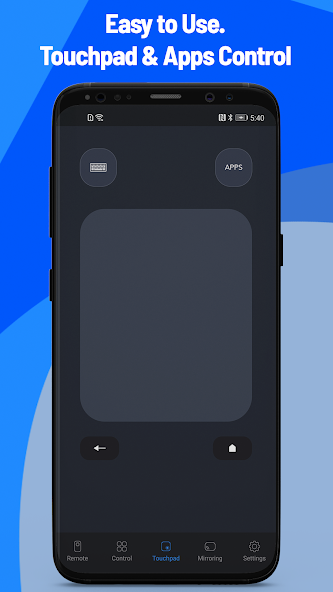
The application is designed with user convenience in mind. Its intuitive interface ensures that all functions are easily accessible and conveniently located, making it simple for users to navigate through TV features. No more struggles with complex remote controls or deciphering numerous buttons—Samsung Remote simplifies the entire process.
Compatibility and Requirements
Samsung Remote is designed to work with a wide range of Samsung TV models. However, users must ensure that their Android device has a built-in IR blaster for non-Smart TV operations. For Smart TV functions, a shared Wi-Fi network between the TV and Android device is necessary to establish a connection seamlessly.
Concluding Thoughts: Experience Effortless Control
In summary, Samsung Remote offers an ultimate solution for Android users seeking a more convenient way to control their Samsung Smart TVs. By eliminating the need for traditional remote controls and batteries, it simplifies life and enhances TV viewing experiences. For those interested in optimizing their Samsung TV usage, Samsung Remote stands as a practical choice worth exploring. Head to trusted Android download platforms today to find further details on this commendable application.
Information
- Size:12.22M
- Language:EN
- Version:1.2.2
- Ratings:6.7
- Vendor:SensusTech LLC
- Package ID:sensustech.samsung.smart.tv.remote.control