

Video Editor No Watermark
- Category:Video & Audio
- Updated:2026-11-05
- Rating:8.8
Screenshots
Introduction
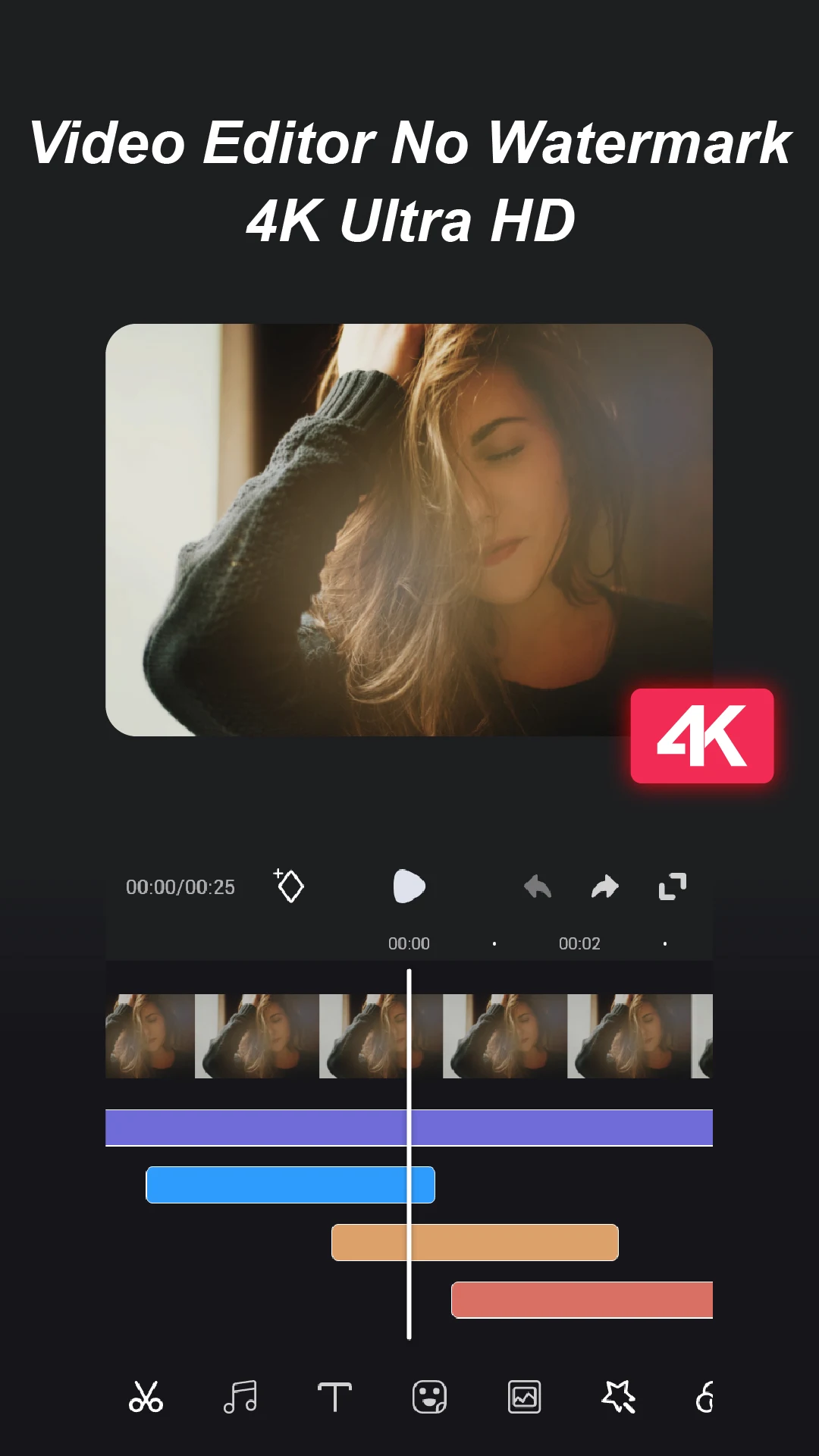
Video Editor No Watermark is your go-to solution for sophisticated video editing without the hassle of intrusive branding. Designed for both amateur and professional filmmakers, this app allows users to craft stunning videos through seamless cutting, merging, and the addition of text and effects. Sharing your creations on platforms like YouTube and TikTok has never been easier. Whether capturing travel memories or creating engaging social media content, Video Editor No Watermark provides the tools you need to dazzle viewers.
Features of Video Editor No Watermark
- Edit videos in 4K Ultra HD without any watermarks, ensuring high-quality results.
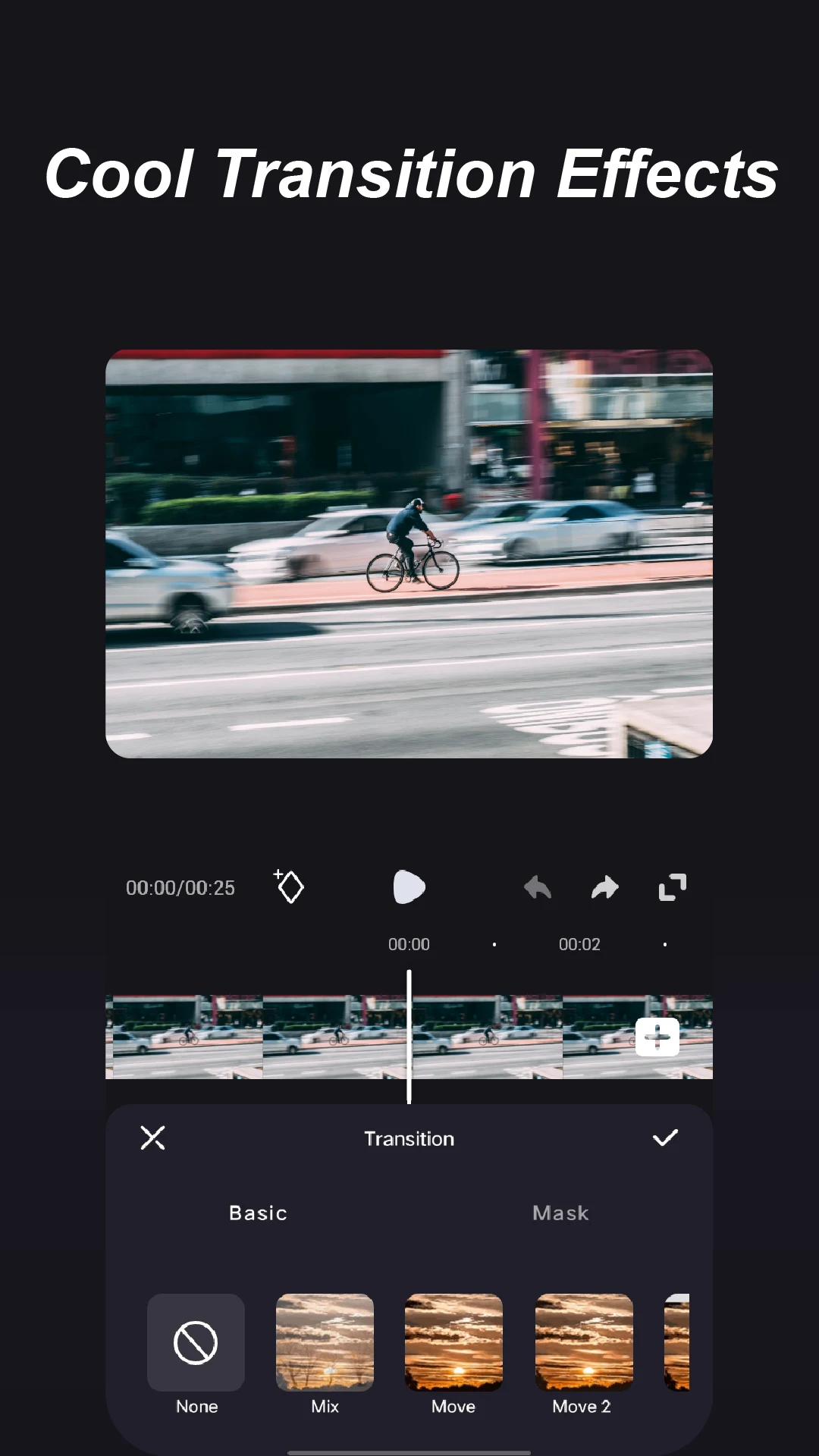
- Enjoy various transition effects to make your videos more dynamic and engaging.
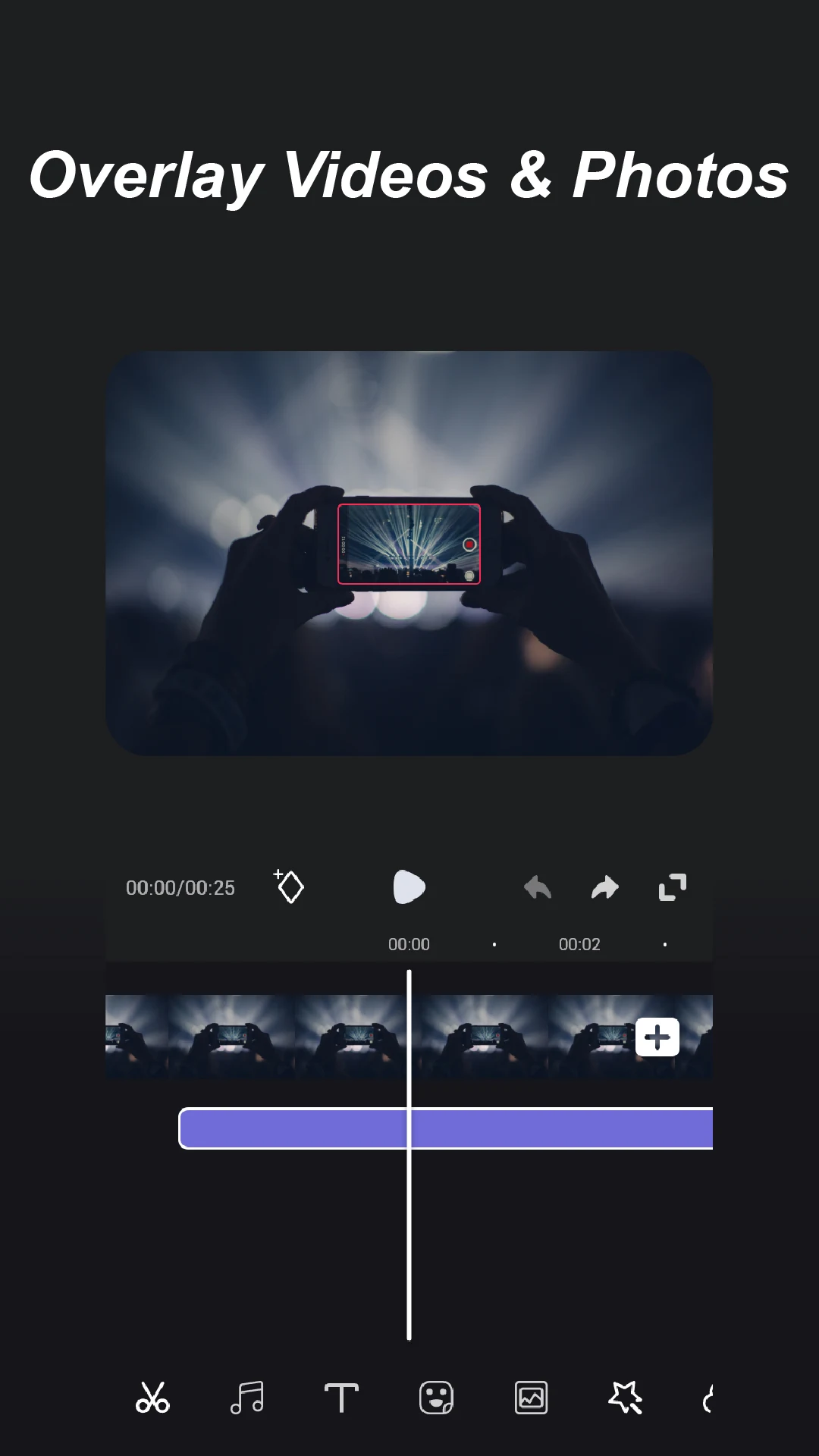
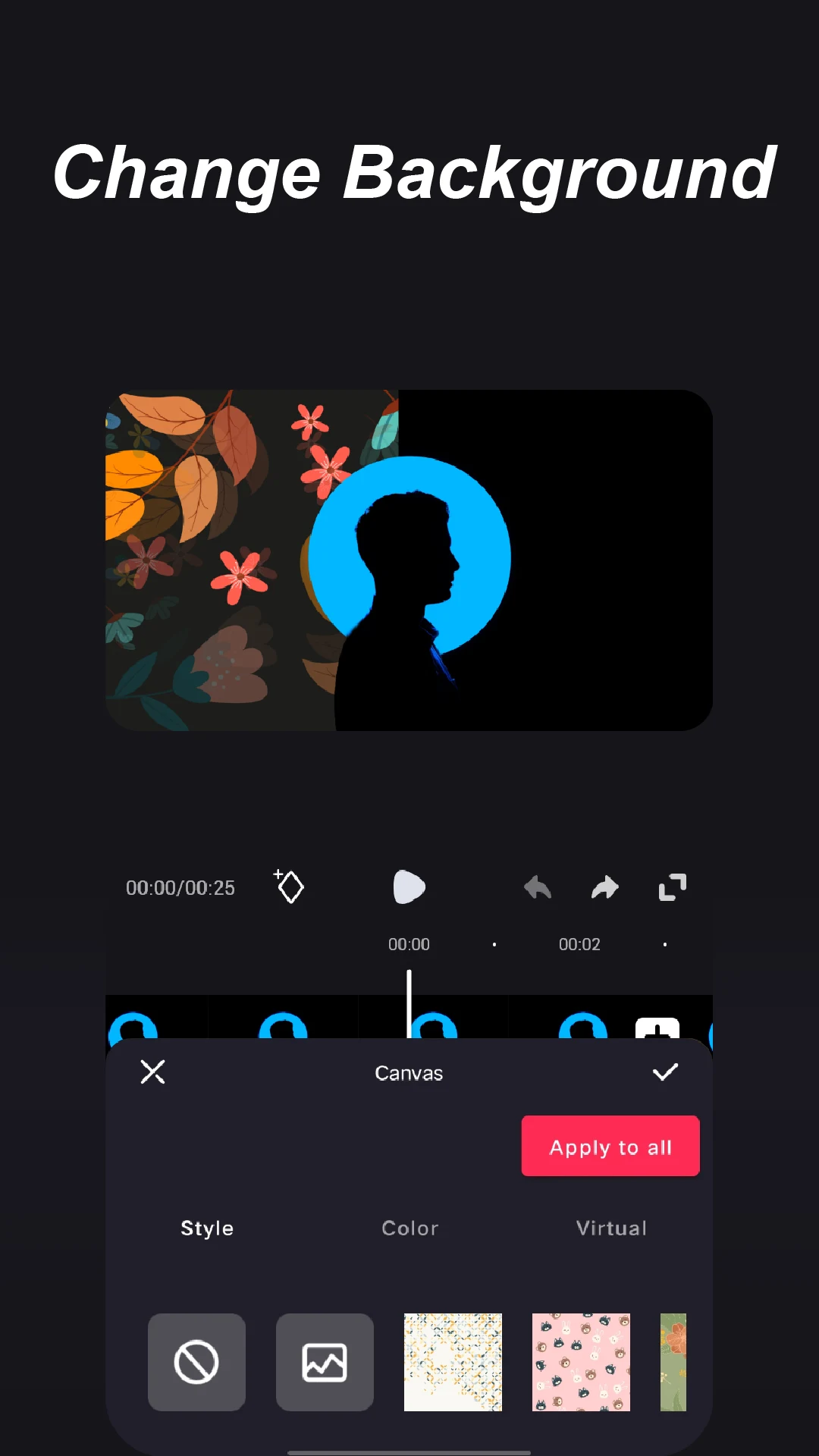
- Mix video and photo layers creatively for unique visual appeal.
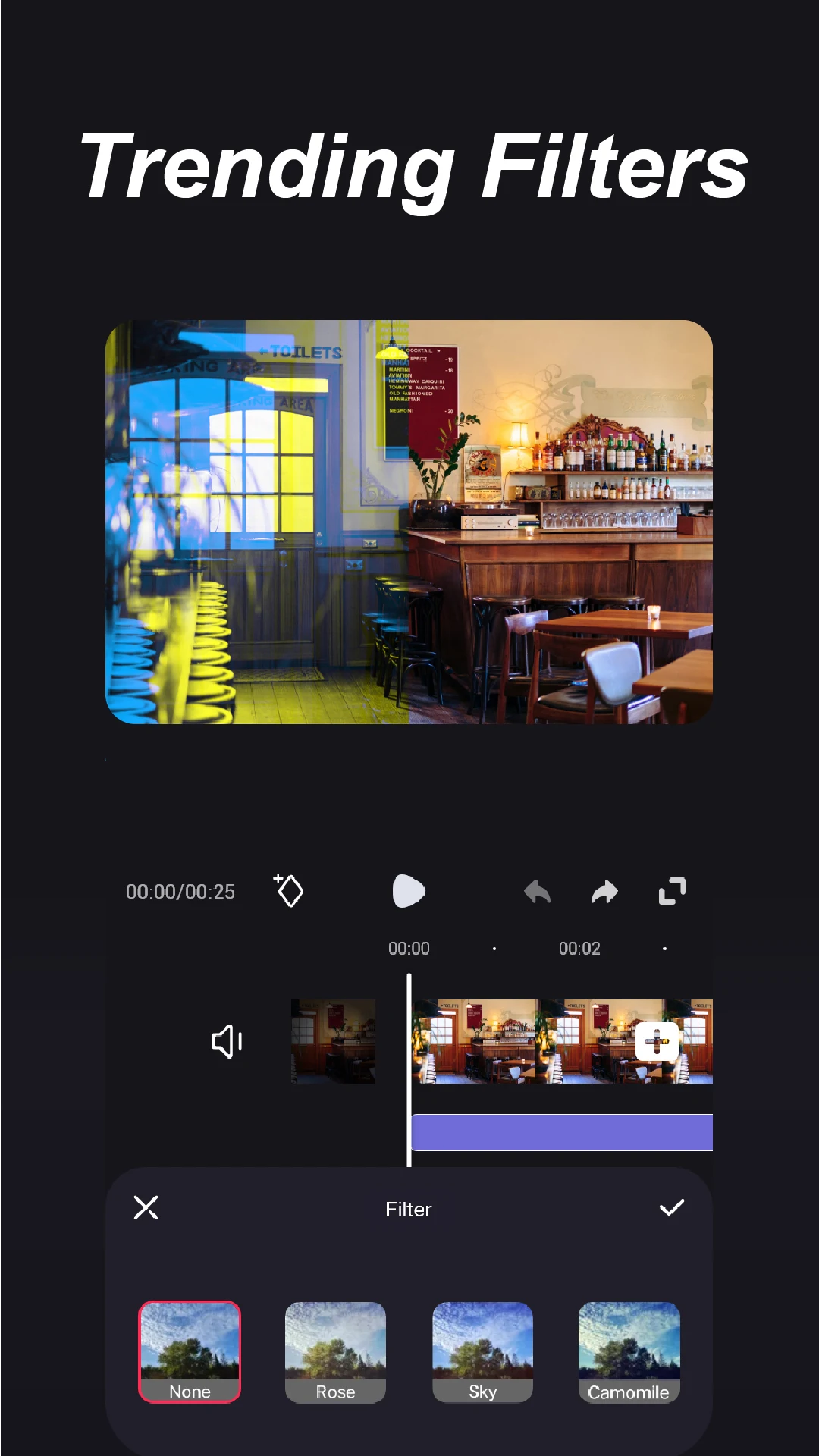
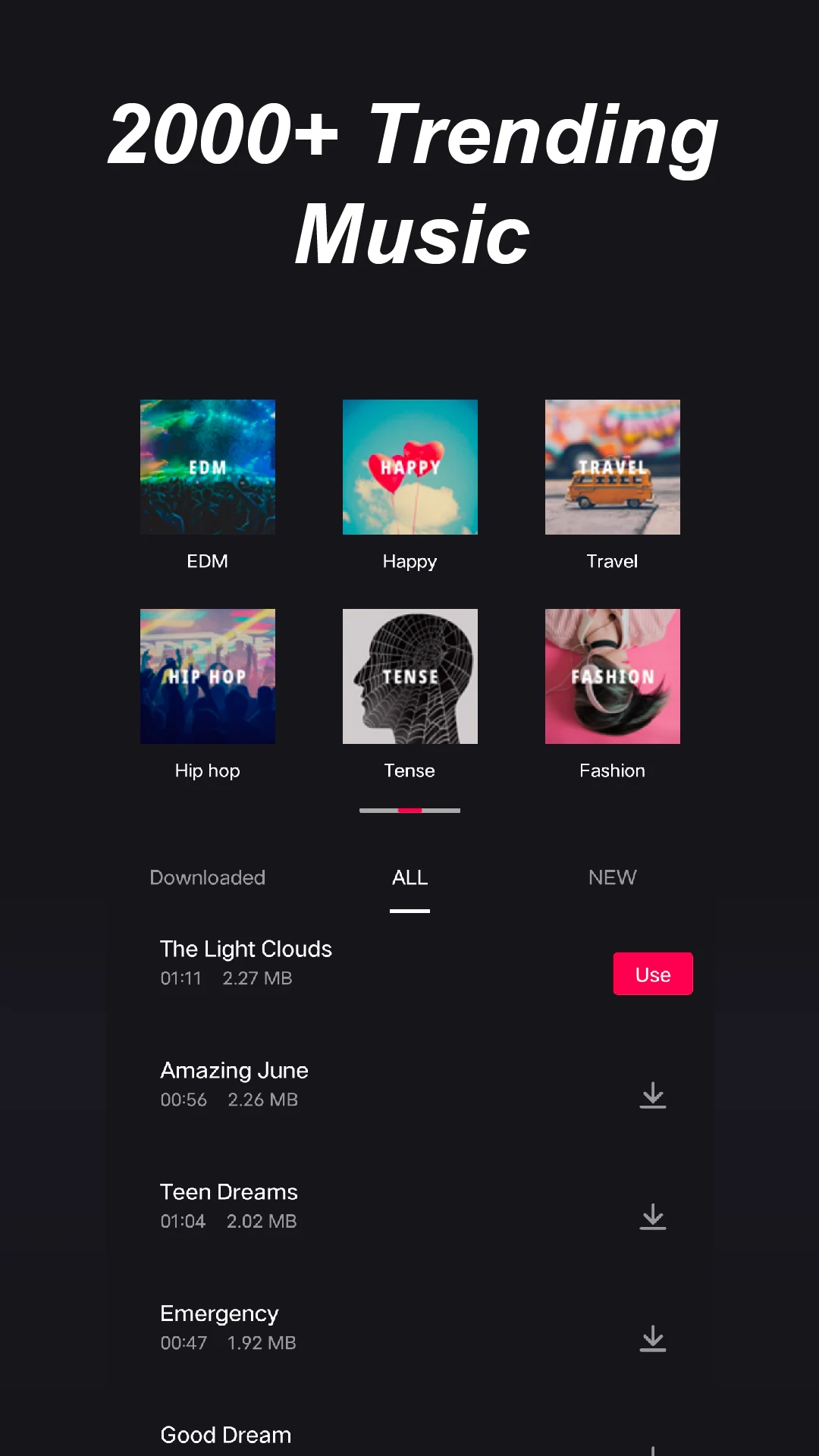
- Access to trending music and filters for custom video enhancements.
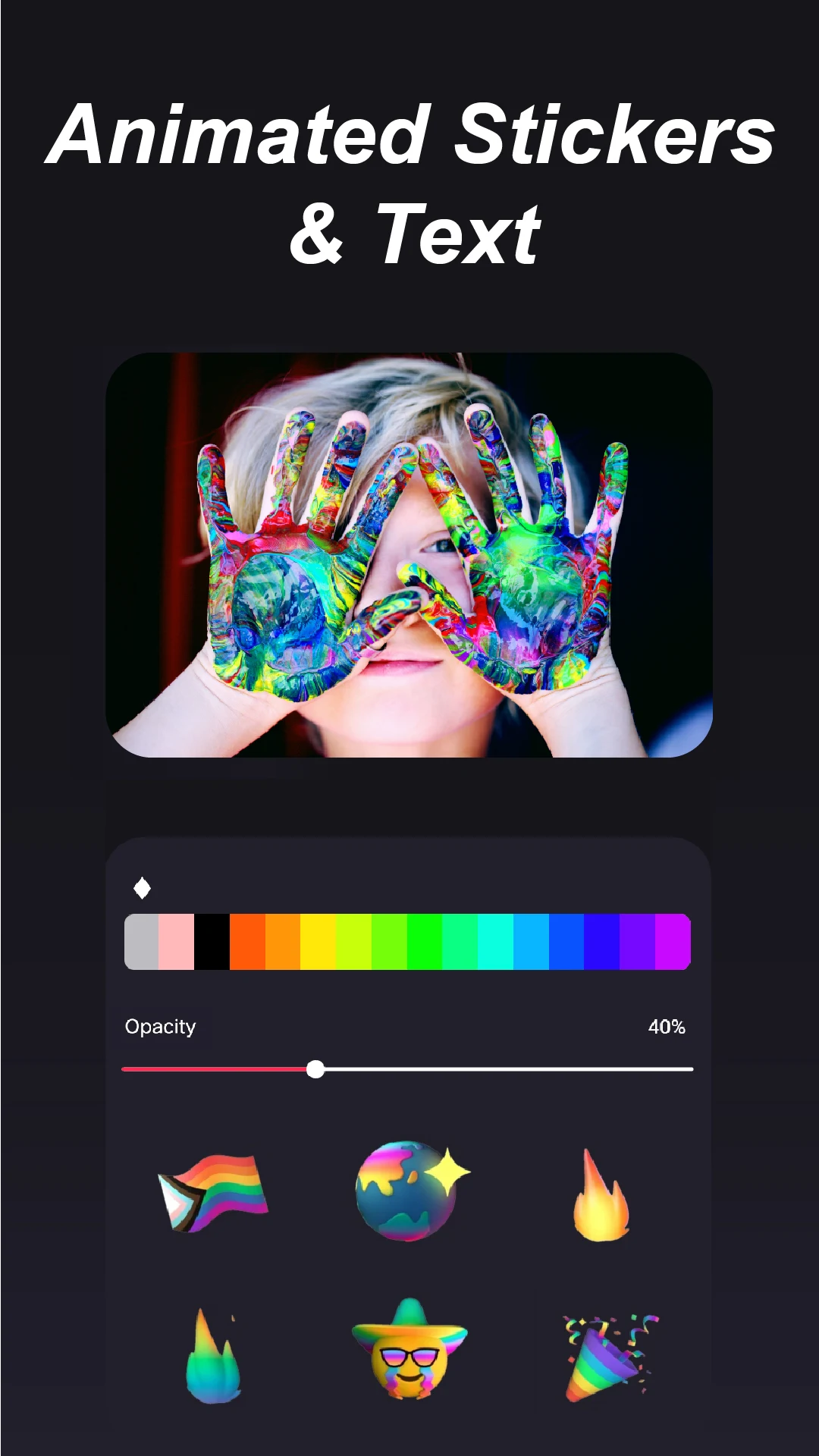
- Add animated stickers and text to personalize your videos with flair.
Advantages of Video Editor No Watermark
- Completely free to use with all features available.
- Export videos without watermarks, ensuring professional outcomes.
- Simple user interface makes it accessible for beginners.
- One-click sharing to various social media platforms increases engagement.
Disadvantages of Video Editor No Watermark
- May lack some advanced features found in high-end professional editing software.
- Some users might find ads distracting during the editing process.
Market Performance
Video Editor No Watermark has gained popularity thanks to its user-friendly design and practical features. Highly rated by users, it continues to attract a wide audience including students and aspiring creators.
Version Information of Video Editor No Watermark
Regular updates ensure the app stays relevant, with improvements often focused on user interface enhancements and expanding feature capabilities to meet the evolving needs of video creators.
Information
- Size:52.5M
- Language:EN
- Version:4.7.2.1
- Requirements:-
- Ratings:8.8
- Vendor:Video Screen Recorder, Voice Audio Editor, Cut MP3
- Package ID:superstudio.tianxingjian.com.superstudio