Screen recording
- Category:System Tools
- Updated:11 19, 2026
- Rating:7.0
Screenshots
Introduction
Screen recording is a versatile Android application developed by OPPO, designed to enable seamless screen capturing for users. Whether you are looking to record gameplay, create tutorials, or simply save visual content for future reference, this app provides multiple functionalities tailored to your needs. The most recognizable characteristics of Screen recording include diverse methods of activation, high-quality video recording options, and comprehensive audio settings. Users can expect a user-friendly experience with the flexibility to customize video settings, making it an ideal tool for both personal and professional use.
Multiple Ways to Activate Screen Recording
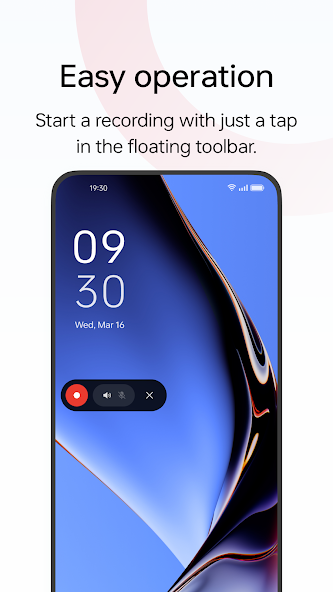
The Screen recording application provides various convenient methods to initiate recording, ensuring accessibility regardless of your current task. You can activate it via the Smart Sidebar by simply swiping from the screen edge and tapping the "Screen recording" option. Alternatively, access it through Quick Settings by swiping down from the top of your screen or using the search function on the Home screen. For gamers, the app allows you to start recording within Game Space by swiping from the upper-left to the lower-right corner and selecting the option from the menu.
High-Quality Video Options
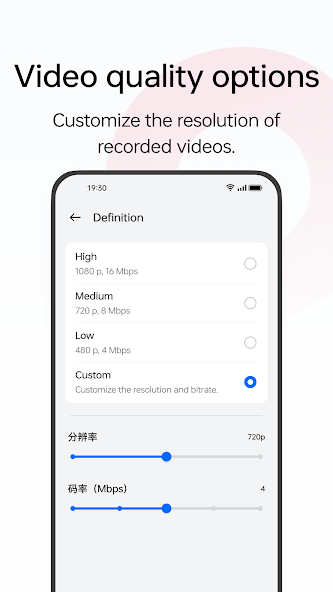
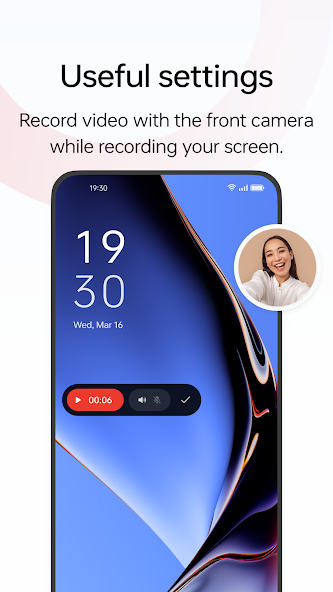
Screen recording stands out due to its flexibility in video quality settings. It allows users to select the definition, frame rate, and coding format according to their project requirements. This ensures that the recorded video fits the intended purpose, whether for professional presentations or casual sharing. The application also supports recording with the front camera, adding a personal touch to your videos.
Comprehensive Audio Capabilities
The app excels in its audio recording capabilities. Users can choose to capture system audio, record external sound through a microphone, or combine both for a rich auditory experience. This feature is particularly useful for recording commentary or capturing in-game sounds, thus enhancing the overall quality of the recorded content.
Editing and Sharing Made Easy
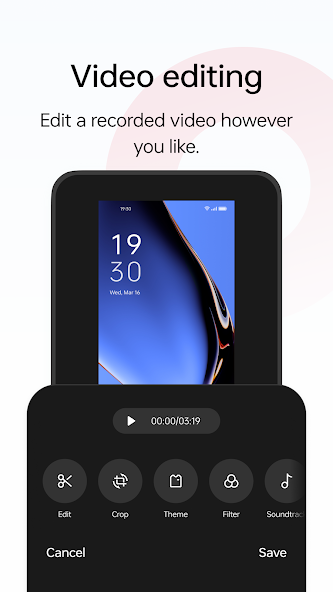
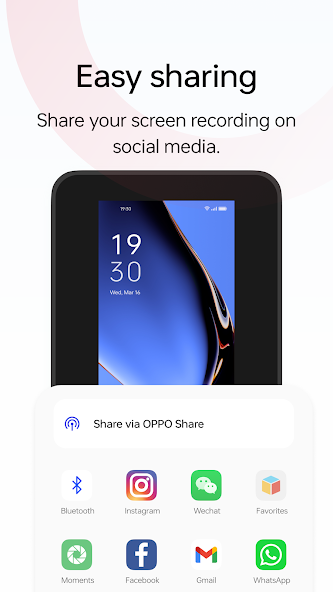
Upon completing a recording, Screen recording presents users with a floating window where they can instantly share the video or edit it before sharing. This feature boosts productivity by allowing quick dissemination of content, thus simplifying the process from recording to distribution. The option to record screen touches further enriches the content for instructional videos, offering viewers additional clarity.
Conclusion: A Handy Tool for Diverse Needs
Screen recording by OPPO offers a robust set of features that cater to a wide range of recording needs, from creating professional content to sharing personal moments. With its customizable video and audio settings, intuitive activation methods, and convenient sharing options, the app is a powerful asset for anyone in need of an efficient screen recording solution. For those interested in exploring its full capabilities, downloading the Screen recording APK from Apkmody provides a reliable platform for acquiring and updating this essential tool.
Information
- Size:11.93M
- Language:EN
- Version:14.0.7
- Ratings:7.0
- Vendor:ColorOS
- Package ID:com.oplus.screenrecorder