PDF Converter
- Category:System Tools
- Updated:11 20, 2026
- Rating:6.8
Screenshots
Introduction
PDF Converter is an Android application designed to streamline the process of managing PDF files. This versatile tool allows users to effortlessly convert, edit, and optimize PDF documents, positioning itself as an essential mobile office assistant. With the PDF Converter APK, users can expect a comprehensive set of tools tailored to handle diverse PDF-related tasks with ease and efficiency. Whether it's converting files to and from PDF format or editing documents, this application covers all bases, ensuring a seamless experience for both personal and professional use.
Comprehensive PDF Editing and Conversion Features
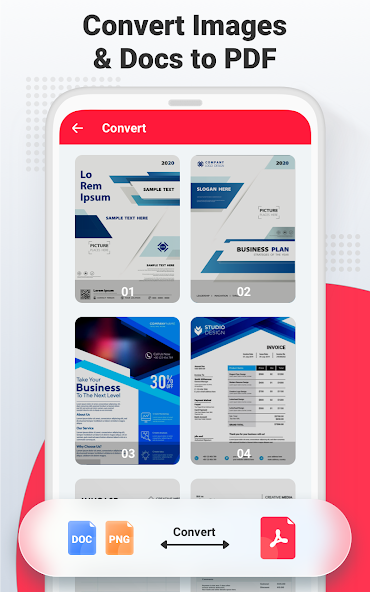
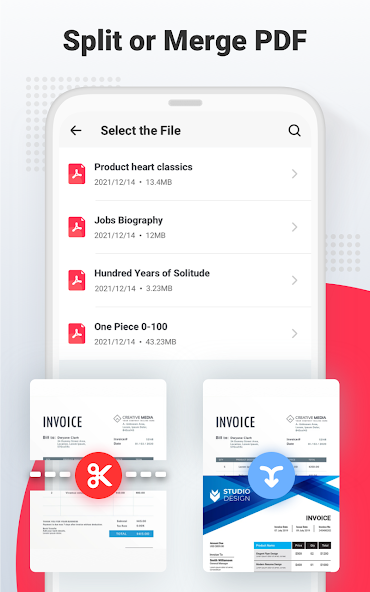
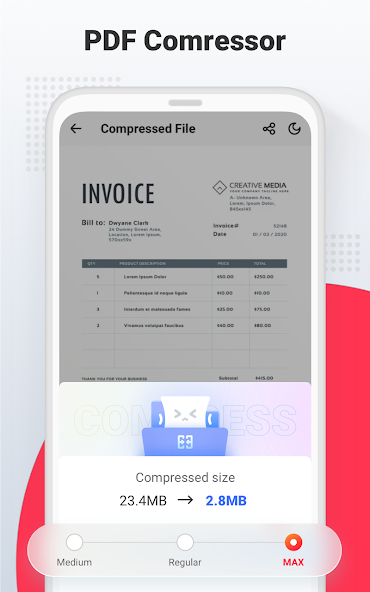
PDF Converter stands out due to its robust feature set that caters to various document management needs. Users can convert multiple file types such as images (JPEG, PNG) and documents (Word, Excel, PPT) into PDF format. It also supports the reverse process, facilitating the conversion of PDFs back into these formats. Additionally, this app offers functionality for merging multiple pages or images into a single PDF and splitting documents by any chosen page. This flexibility makes managing large or complex PDFs significantly easier.
Advanced Scanning and Text Extraction Capabilities
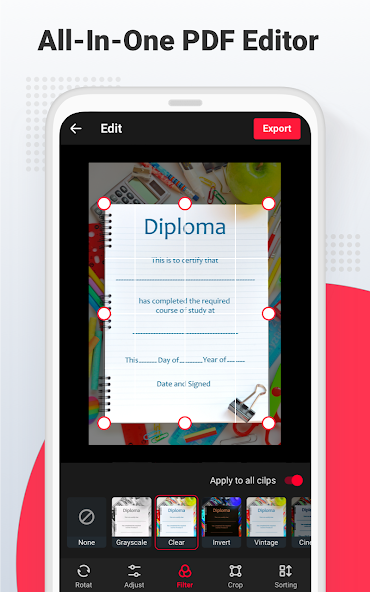
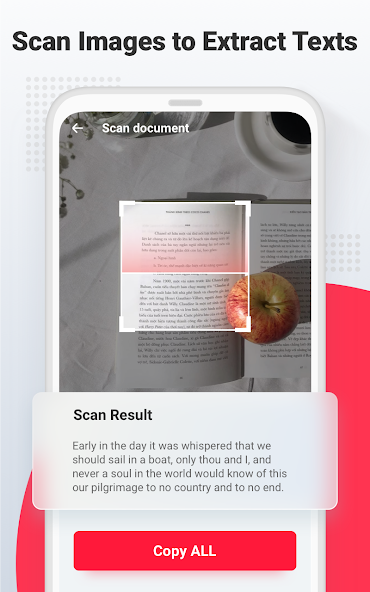
Adding further value, PDF Converter includes advanced scanning features. Users can capture images of documents, which the app quickly converts to high-quality JPEG or PDF files. The application also provides tools for image editing, allowing modifications such as cropping and applying filters. An exceptional component is its ability to extract text and images from scanned files, a feature beneficial for various professional and personal contexts.
Efficient Barcode and QR Code Scanning
PDF Converter integrates an efficient barcode and QR code scanning tool. This feature supports a wide range of formats and can decode various types of information, including text, product details, and URLs. It requires only camera access, ensuring user privacy is respected. This feature enhances the app's versatility and usefulness in digital workplaces or everyday use.
One-Stop Storage and Document Management Solution
Offering more than just conversion and editing, PDF Converter includes a comprehensive document storage solution. Users can locally save both original and edited files and, for premium users, additional cloud storage options are available. The application provides document organization features, making it easy to categorize and manage files within a single platform, and promises future enhancements as additional features are developed.
Final Thoughts on PDF Converter
PDF Converter is a highly functional Android application that addresses a wide spectrum of PDF-related needs. From file conversion and editing to storage and scanning, it provides a rich toolbox for users seeking efficiency in digital document management. Its integration of scanning and text extraction capabilities, along with barcode reading, further augment its utility. This makes PDF Converter an appealing choice for anyone looking to simplify their PDF handling tasks. Those interested can explore more about the APK download process and other features on popular sites like Apkmody.
Information
- Size:42.16M
- Language:EN
- Version:2.4.4.0
- Ratings:6.8
- Vendor:Video Editor & Music Video Maker
- Package ID:pdf.mergepdf.compress.pdfeditor.convert.split.scan.pdfreader