Pelicut
- Category:Video & Audio
- Updated:11 19, 2026
- Rating:10.0
Screenshots

Introduction
Pelicut is a dynamic Android application designed to transform your mobile video editing experience. With Pelicut, users can effortlessly create stylish videos using a range of powerful editing tools. Whether you're looking to make your videos pop with trendy filters or add a splash of creativity using GIF stickers and animated subtitles, Pelicut offers a comprehensive toolkit ideal for both casual and professional video editors. Its straightforward user interface and versatile features make it an appealing choice for Android users keen on producing high-quality, engaging video content right from their devices.
Feature Highlights of Pelicut
Pelicut offers a robust suite of features tailored to enhance every facet of video creation:
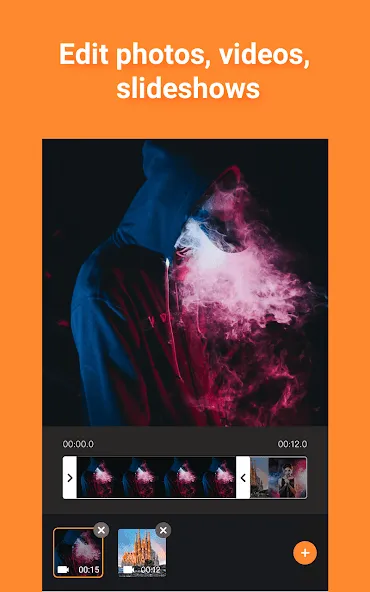
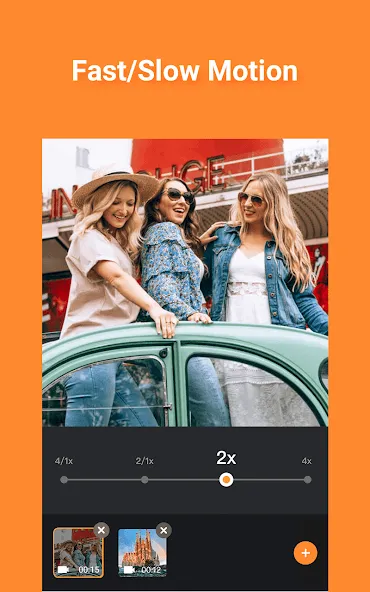
- Video Editing Tools: Users can cut, merge, and collage videos, as well as compress them without quality loss. Adjust your video speed with fast or slow motion effects to capture the perfect moment.
- Ready-Made Templates: Choose from an array of pre-designed templates that include spectacular music, effects, and transitions, enabling quick yet professional results.
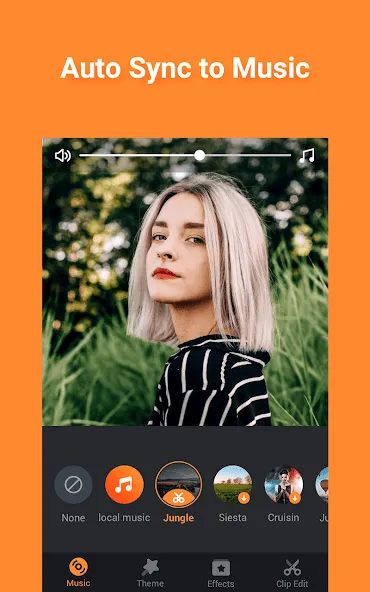
- Trendy Themes and Music: Explore various themes that make video creation for any occasion a breeze. Integrate fully licensed music and sound effects, or personalize with your own tunes.
- Animated Subtitles and Doodles: Enhance your videos with creative text styles, fonts, and the ability to doodle directly onto your footage.
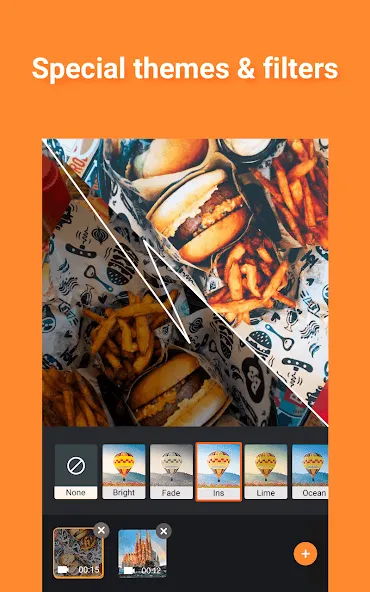
- Trendy Filters and Stickers: Use modern filters to give your videos a unique aesthetic and personalize with cute GIFs and animation stickers.
- HD Export: Export videos in HD without losing quality in multiple formats such as MP4, MOV, and more. Save and return to projects with draft functionality.
User Experience and Interface
Pelicut's user interface is designed with simplicity and efficiency in mind, allowing users to navigate its expansive feature set with ease. Whether you're a beginner just starting to explore video editing or a seasoned pro, Pelicut provides a streamlined experience to suit all expertise levels. The integration of intuitive controls and organized layouts ensures a hassle-free editing process.
Advantages Over Competitors
What sets Pelicut apart from other video editing apps is its combination of advanced features and user-friendly design. Unlike many competitors, Pelicut offers a wide range of customizable options without complicating the user experience. Furthermore, its ready-made templates and extensive music library provide a crucial advantage for users seeking quick edits without sacrificing quality or creativity.
Conclusion: Capture Your Creativity with Pelicut
For Android users looking to take their video editing capabilities to the next level, Pelicut presents an invaluable resource. Its comprehensive suite of editing tools, coupled with an accessible interface, caters to a diverse audience from casual creators to professional editors. The versatility and high-quality output offered by Pelicut make it a standout choice for anyone eager to experiment with video content. Interested users can explore more details and download options for Pelicut APK to begin the video editing adventure.
Information
- Size:66.77M
- Language:EN
- Version:2.0.9
- Ratings:10.0
- Vendor:Video Editor Photo Editor, Video Maker With Music
- Package ID:songs.music.images.videomaker