
App Permission Manager
- Category:System Tools
- Updated:11 20, 2026
- Rating:6.9
Screenshots
Introduction
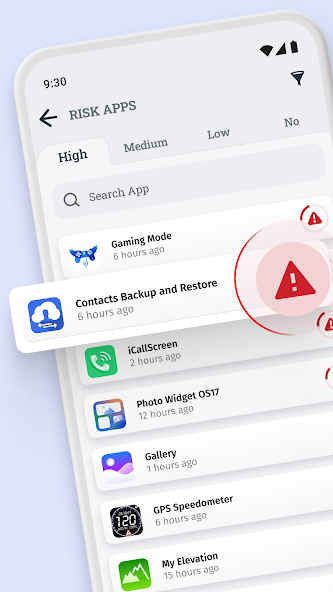
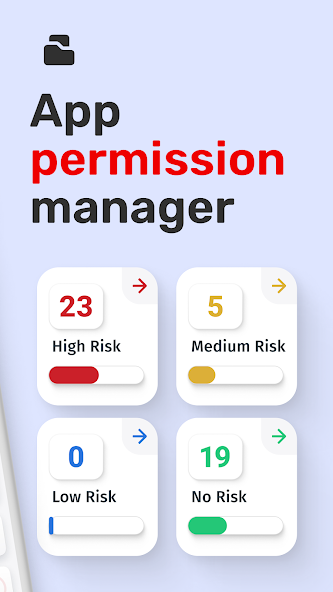
App Permission Manager is an essential Android application designed to empower users by granting them control over their app permissions. Its primary purpose is to provide detailed insights into the permissions requested by installed apps on your device. With App Permission Manager, users can manage, modify, and monitor app permissions, ensuring that their privacy preferences are respected. The application features a user-friendly interface that allows users to conveniently access permission details, view risk assessments, and make informed decisions about which permissions to allow or revoke.
Comprehensive Permission Management
App Permission Manager offers a variety of tools designed to enhance control over app permissions:
- Users can view permissions by app, exploring specifics and assessing the risk level associated with each application.
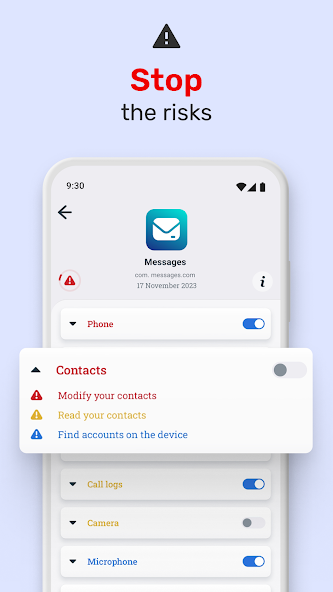
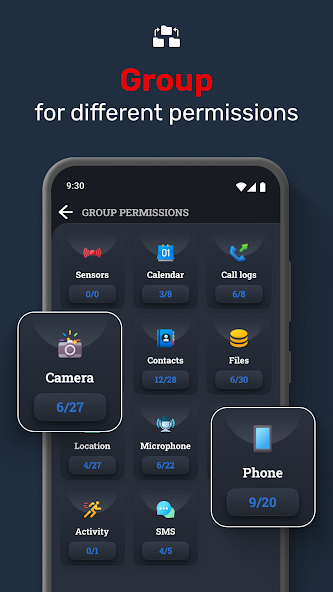
- Permission groups like camera, microphone, or location can be reviewed to check all apps accessing similar functionalities, aiding in quick comparisons without opening each app individually.
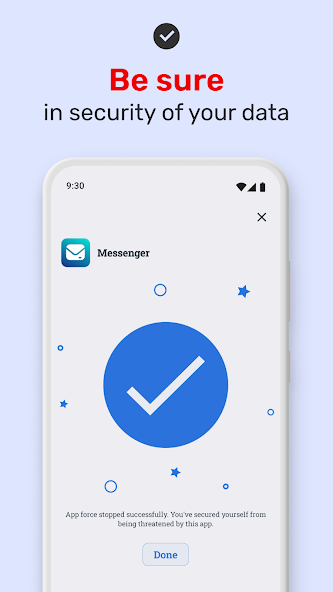
- It allows the alteration of supported permissions in accordance with Android's settings, providing flexibility in managing access without compromising the app's primary functions.
Special Access and Tracking
Users benefit from the ability to examine special access permissions, such as those required to change system settings or run over other apps, distinguishing them from standard permissions. The dashboard and historical logs provide insights into the activity of sensitive permissions like camera and microphone, aiding users in tracking and revisiting permissions usage over time. These features ensure a higher level of awareness regarding which apps are requesting specific access.
User Interface and Functionality
The application features an intuitive interface with organized views for system apps, recently used apps, and app categories, making navigation straightforward for users of all technical levels. The control panel aggregates all necessary information, reducing the need to view each permission request as a threat. By consulting detailed activity records and monitoring changes, users can maintain a balance between functionality and privacy.
Compatibility and System Requirements
App Permission Manager requires accessibility services to automate permissions management and support the control panel's dynamic functions. The availability of certain features and information is contingent on the Android version, device specifications, and system constraints. Users must note that not all permissions can be managed via a single control, and risk assessments are provided only for reference, not as indicators of malicious intent.
Conclusion: Take Charge of Your App Permissions
App Permission Manager provides a comprehensive solution for users aiming to understand and control app permissions on their smartphones. By offering detailed views, permission group analyses, and special access management, it equips users to make informed decisions about their privacy. These functionalities, supported by an intuitive interface, make App Permission Manager a valuable tool for anyone wanting to manage app permissions effectively. For those interested in enhancing their privacy and security, explore the download options for App Permission Manager on your Android device.
Information
- Size:40.5M
- Language:EN
- Version:3.4.8
- Ratings:6.9
- Vendor:o16i Apps
- Package ID:com.shexa.permissionmanager