Spheroid
- Category:Theme Wallpapers
- Updated:11 23, 2026
- Rating:6.4
Screenshots
Introduction
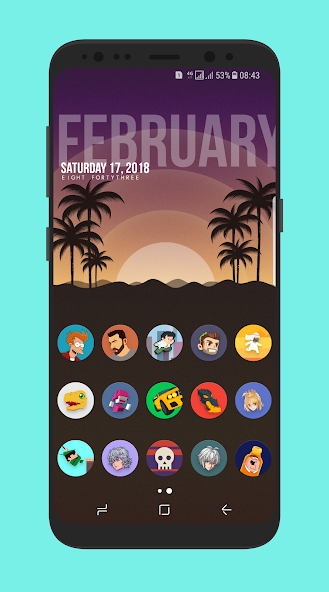
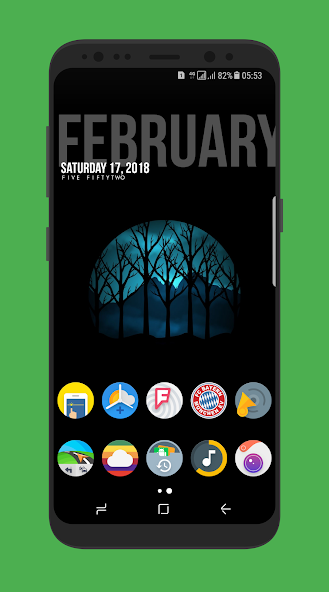
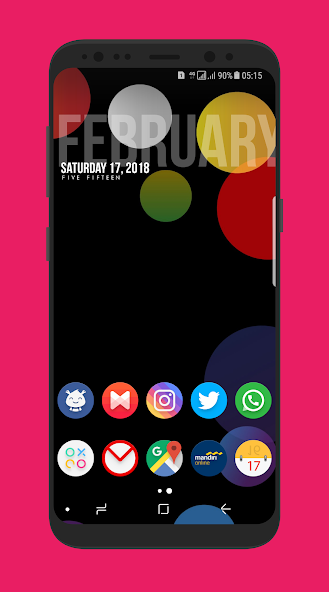
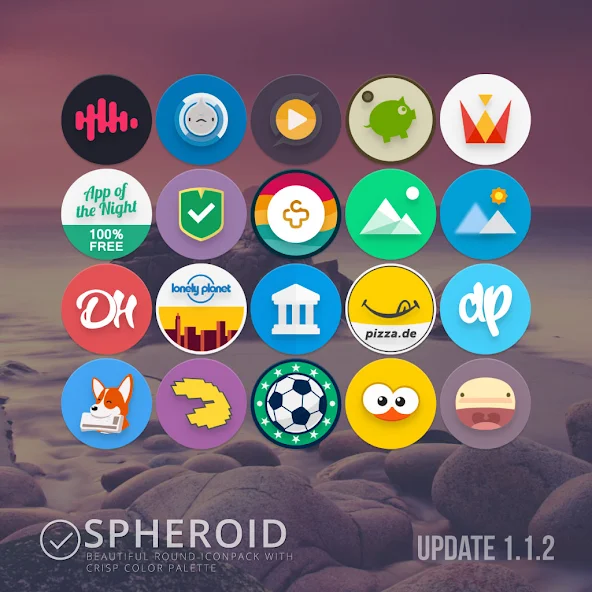
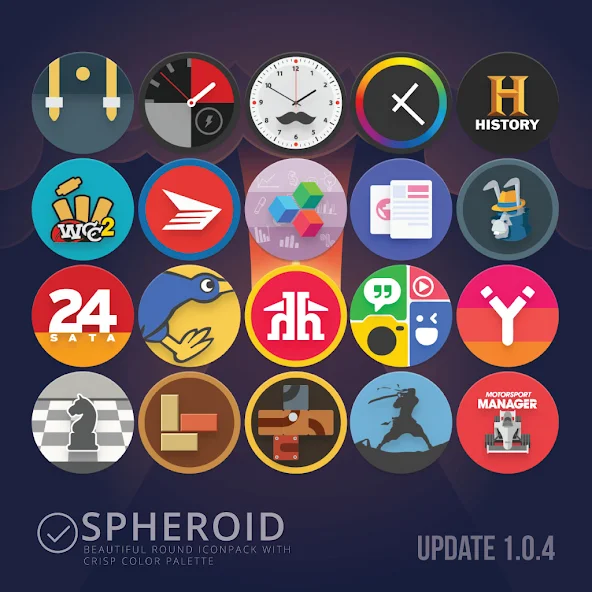
Spheroid offers a dynamic and customizable interface experience for Android users seeking a personalized look for their devices. As an Android application, Spheroid enhances your phone's visuals by providing over 18,000 custom icons and six dynamic calendar icons, elevating the standard Android user experience into something truly unique. Android users may find Spheroid interesting due to its vast icon selection and seamless compatibility with various launchers, offering personalization in a simpler, more efficient way.
Main Features of Spheroid
- Custom Icons: Spheroid boasts an impressive library of over 18,000 custom icons, crafted using precise vector graphics to ensure high quality. Each icon is manually designed to maintain a consistent and visually stunning interface, making your device stand out.
- Dynamic Calendar Icons: With six dynamic calendar icons, Spheroid ensures that the date display on your home screen is always up-to-date, adding functional beauty to the aesthetics of your device.
- Compatibility: This application is specifically designed to work with a wide range of popular launchers, ensuring that users can easily integrate these icons into their current setup.
Cloud-Based Wallpapers
Spheroid takes personalization a step further with its collection of Quad HD cloud-based wallpapers. These wallpapers are accessible directly through the app and can be easily applied to enhance the overall theme of your device. Constant updates ensure that new wallpapers are regularly added to keep your device's appearance fresh and modern.
Ease of Use and Frequent Updates
The usability of Spheroid is streamlined by its compatibility with the CandyBar Dashboard, providing an intuitive interface for managing and applying your custom icons and wallpapers. The app also benefits from frequent updates, ensuring that new designs and user-requested features are regularly added, keeping up with the evolving tastes of its user base.
Getting Started with Spheroid
Downloading and installing the Spheroid APK is straightforward. Users need to enable the "Unknown Sources" option on their Android device to successfully install and enjoy the broad customization options this app offers. Whether you opt for the standard APK or the mod version, the process remains accessible, ensuring a hassle-free start.
Explore Spheroid on Android
Spheroid stands out by transforming the visual dynamics of an Android device with its extensive icon library and dynamic calendar features. Its broad compatibility and frequent updates make it suitable for users keen on personalizing their phone's interface. Embrace the possibilities of customization and explore the download options for Spheroid APK to enhance your Android experience further.
Information
- Size:128.32M
- Language:EN
- Version:2.8.5
- Ratings:6.4
- Vendor:Indigo Madina
- Package ID:com.indigomadina.spheroid