Translate
- Category:System Tools
- Updated:11 23, 2026
- Rating:6.7
Screenshots
Introduction
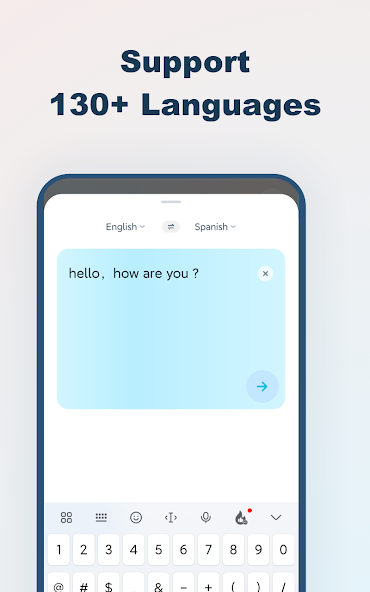
Translate is a versatile Android application designed to bridge language gaps with its comprehensive translation features. By offering a robust solution for both text and voice translations, Translate becomes an invaluable tool for users needing real-time language assistance. Whether you're a traveler navigating a foreign country, a business professional dealing with international clients, or a student learning a new language, Translate provides the necessary tools for seamless communication. Its ability to support translations between over 130 languages makes it a compelling choice for Android users seeking reliable language translation on their devices.
Main Features of Translate
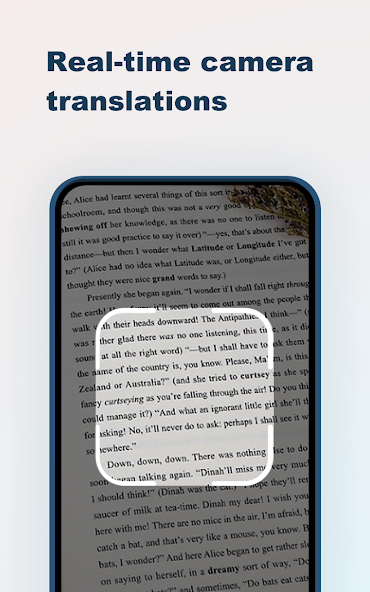
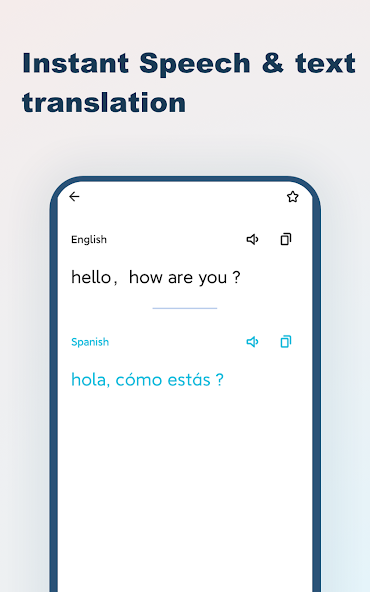
Translate offers a range of capabilities that make it stand out as a language translation app. It includes robust text and voice translation abilities, enabling users to convert spoken words and written phrases into their desired languages. Through advanced OCR Camera technology, users can translate text directly from images, providing an edge when encountering text in forms like signs or documents. This is particularly useful when traveling or engaging in business correspondence that involves multiple languages.
Usage Scenarios
Translate is not merely a tool for language conversion; it's designed to aid users in various scenarios. Travelers encountering unfamiliar languages can benefit from the app's instant translation feature to understand local dialects and navigate more easily. Business professionals can use it to ensure accurate communication with international clients or partners, thus avoiding potential misunderstandings. Moreover, students learning new languages can leverage this app to enhance their studies through interactive, real-time translations.
Interface and User Experience
With its simple and attractive user interface, Translate ensures an intuitive user experience. Key features such as translating words, phrases, and full texts are easily accessible. The interface allows users to view translations in full screen, which enhances readability and comprehension. Additionally, options to share, copy, or delete text at the touch of a button add to the convenience and sleek usability of the application.
Practical Applications
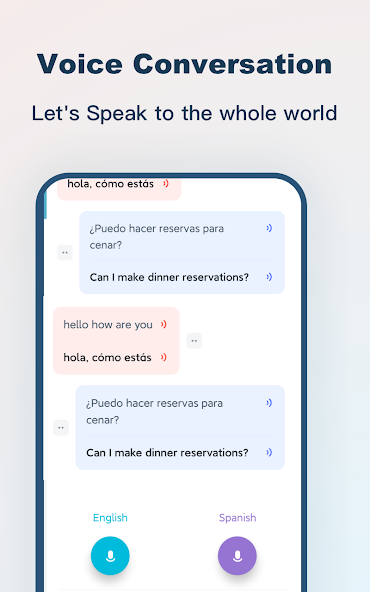
The app shines in real-world applications by enabling conversation translation and verbal language exchange, a feature integral for meetings and discussions in foreign languages. This, combined with the ability to import images from the gallery for translation, means users can effortlessly manage language differences in various settings, be it for business, travel, or education.
Final Thoughts on Translate
Translate provides a comprehensive and flexible solution to language barriers, offering crucial translation tools for Android users worldwide. Its expansive language support and intuitive design cater to a wide audience, including travelers, students, and professionals. By addressing the need for accurate and immediate translations, Translate stands as a valuable application in today's interconnected world. For those interested in enhancing their communication capabilities, detailed Android download options for Translate can be easily explored.
Information
- Size:9.29M
- Language:EN
- Version:1.3.4
- Ratings:6.7
- Vendor:Simple Tech Studio
- Package ID:com.language.translate.free.translator.voice.translation