Docs To Go
- Category:Shopping Finance
- Updated:11 17, 2026
- Rating:8.5
Screenshots
Introduction
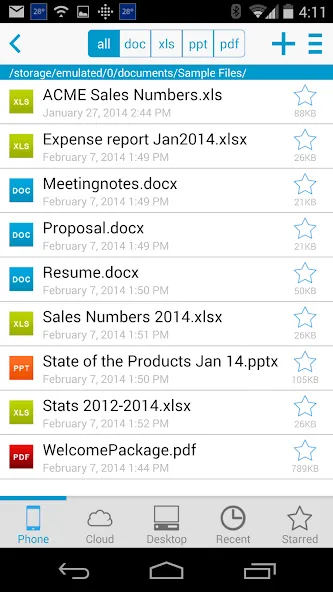
Docs To Go is a versatile Android application designed to enhance productivity by providing users with the ability to view, edit, and create Microsoft Office and Adobe PDF files directly on their Android smartphones and tablets. Making it a top choice among mobile office suites, Docs To Go stands out for its comprehensive document handling capabilities and seamless user experience. Users can expect a reliable toolset that allows for significant flexibility in managing documents without the need for account registration.
Powerful Mobile Office Suite Features
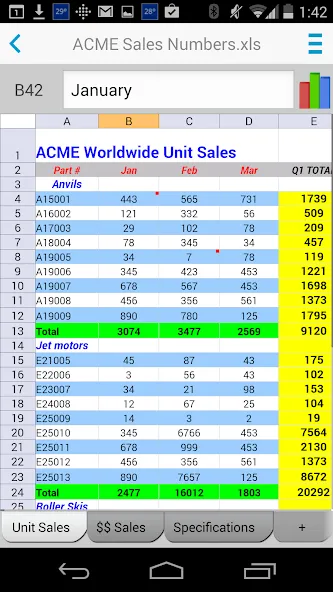
Docs To Go offers robust features that bring desktop-quality document processing to your Android device. Users can view, edit, and create MS Office files with high fidelity, ensuring that formatting and embedded elements such as images and tables remain intact. The app's InTact Technology™ preserves the original formatting of documents while editing, making Docs To Go an ideal solution for professionals on the go.
Comprehensive Document Handling
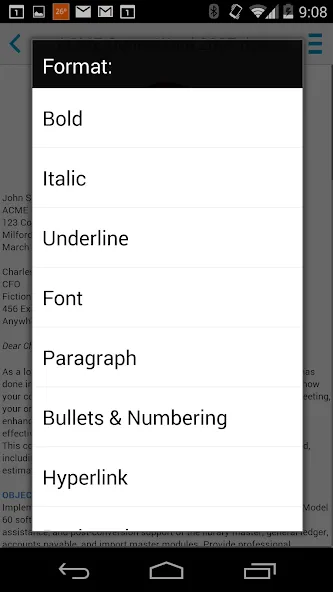
Docs To Go supports an array of document types and languages, ensuring it meets diverse needs. It is capable of viewing PDF files with features such as page view, wrap, rotation, and text selection for copying. The application supports multiple formats such as Word, Excel, and PowerPoint, with specific features to handle each type efficiently, including font customization, real-time changes, and compatibility with a wide range of languages—increasing its utility for international users.
User-Friendly Interface and Accessibility
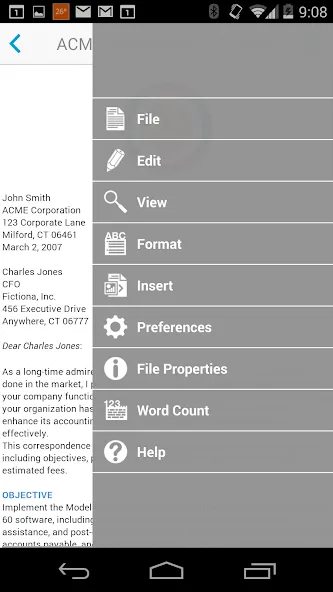
The interface of Docs To Go is user-friendly, designed for ease of navigation and quick access to all features. Users can send and receive email attachments using their preferred email applications, making document sharing straightforward and efficient. Moreover, the app offers high-fidelity viewing so users can trust their documents will appear as intended on any platform. The absence of need for account registration adds to its convenience, allowing users to immediately start creating and managing documents post-installation.
Cloud and Desktop Synchronization Capabilities
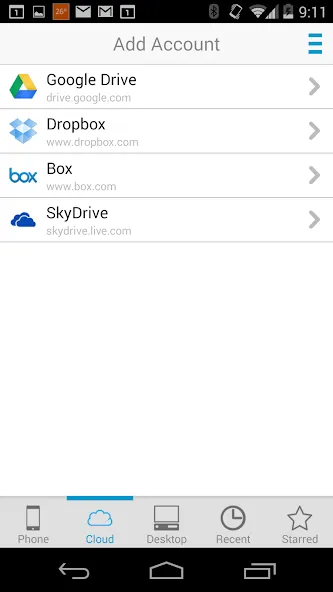
For users who purchased the premium version earlier, Docs To Go offers cloud and desktop synchronization features, although these are not available in the current standard offerings. This feature allows for automatic updates of documents between devices, ensuring users always have the latest versions of their files across platforms, which is vital for those who work in multiple environments.
Conclusion: Enhance Your Mobile Productivity
Docs To Go is a powerful solution for professionals and students needing to handle documents across various formats on their Android devices. With its comprehensive set of features, ease of use, and high compatibility with different file types and languages, it’s a reliable tool for anyone aiming to maintain productivity away from a computer. For those intrigued by its capabilities, discovering more about Docs To Go’s download availability on Android would be a logical next step.
```Information
- Size:7.99M
- Language:EN
- Version:4.002
- Ratings:8.5
- Vendor:DataViz
- Package ID:com.dataviz.docstogo