NexSnap
- Category:Shopping Finance
- Updated:11 18, 2026
- Rating:9.7
Screenshots
Introduction
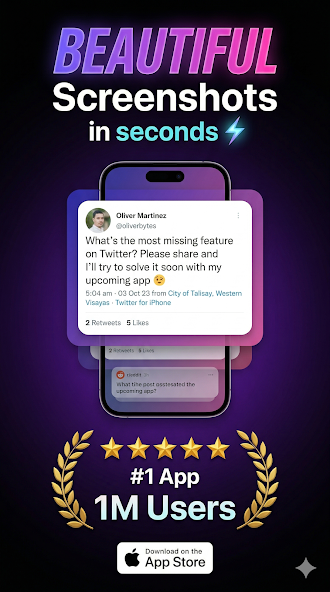
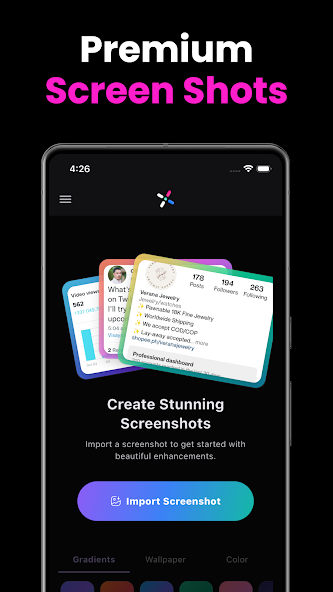
If you're in search of an Android application that enhances your screenshots to a professional level, NexSnap is the perfect solution. NexSnap stands out as a comprehensive screenshot maker and editor, designed to transform ordinary images into striking, share-ready masterpieces. With features like one-click style presets, advanced editing tools, and a secure capture mode, users can expect a seamless experience in creating visually appealing content. Whether you're a developer, content creator, or professional, NexSnap offers versatile tools that cater to all your screen capture needs.
Transformative Screenshot Editing
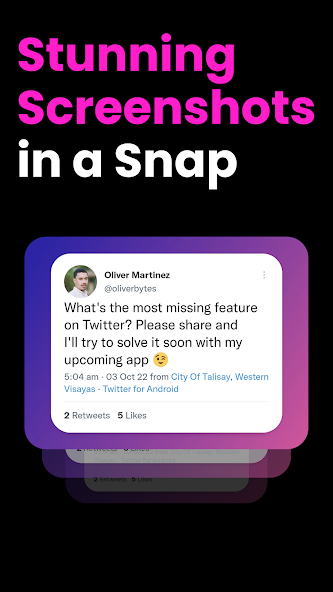
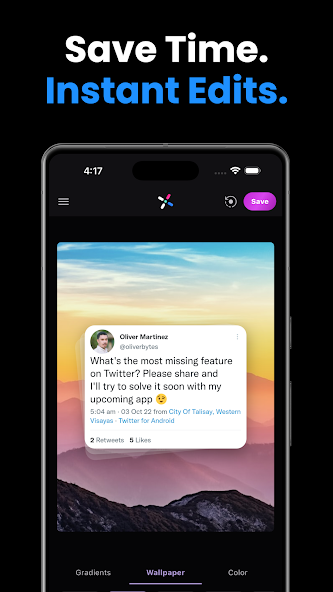
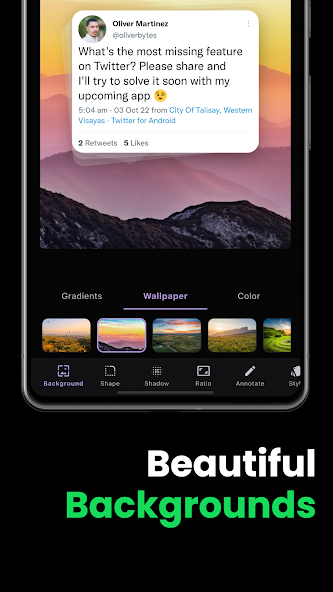
NexSnap is a robust all-in-one application that allows users to convert basic screenshots into professional-grade visuals. You can choose from a plethora of vibrant backgrounds, including gradient styles and 4K wallpapers. The application provides one-click style presets, such as "Stacked" and "Clean," along with the option to wrap your screenshot in a sleek browser window. For those seeking further customization, the app offers tools to adjust padding, round corners, and add 3D shadows.
Comprehensive Snipping Tools
With a built-in snipping tool, NexSnap facilitates annotations with the addition of text, arrows, highlight boxes, and step markers. Perfect for clear communication, these tools are crucial for developers needing to showcase UI/UX designs or professionals requiring detailed presentations. You can quickly capture and crop images to fit predefined aspect ratios suitable for platforms like Instagram, X (Twitter), and LinkedIn.
Secure and Private
Privacy is a core feature of NexSnap. The application's design ensures that sensitive data can be edited or hidden before you share any screenshots. This makes NexSnap a secure choice for both personal use and professional environments where confidentiality is paramount.
High-Resolution Output
Gone are the days of blurry or low-quality screenshots. NexSnap guarantees crisp HD exports, making it an excellent alternative to other tools like Skitch, Snagit, or even iPhone's capture styles. This feature ensures your visuals remain consistent and engaging, perfect for social media impact or professional displays.
Who Benefits from NexSnap?
Whether you're a developer looking to present UI/UX concepts, a content creator aiming to capture attention on social media, or a professional needing polished visuals for presentations, NexSnap is built to meet your needs. Its array of editing and customization tools make it the most powerful screenshot app available on the Play Store.
Download NexSnap for Powerful Screenshot Editing
NexSnap is a must-have application for anyone looking to elevate their visual content effortlessly. Its key features—ranging from user-friendly customization tools to secure, high-resolution exports—make it invaluable for both personal and professional use. To experience superior screen capture capabilities, explore NexSnap’s Android download details and enhance your screenshots today.
Information
- Size:21.11M
- Language:EN
- Version:1.4.11
- Ratings:9.7
- Vendor:Stackwares
- Package ID:com.nexsnap.app