Write by voice
- Category:System Tools
- Updated:11 19, 2026
- Rating:8.8
Screenshots
Introduction
If you're seeking an agile and efficient way to transform your spoken words into text, Write by voice could be the perfect Android application for you. This application offers advanced voice input functions tailored to enhance user convenience by allowing seamless conversion of speech to text across various devices. With Write by voice, users can effortlessly craft documents, engage in communication, and manage tasks without the need for extensive typing. This app becomes particularly useful for those needing to draft messages or notes rapidly and accurately, making it an appealing choice for Android users looking for productivity enhancements.
Main Features and Functions
Write by voice distinguishes itself with several innovative features designed to streamline text composition:
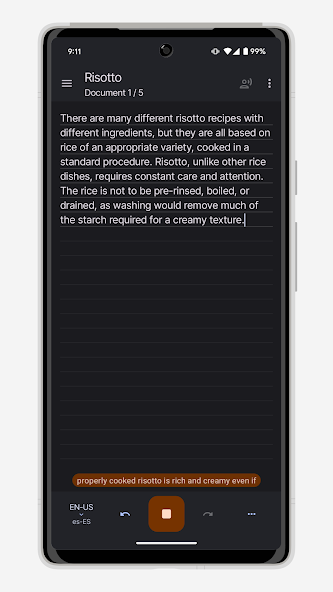
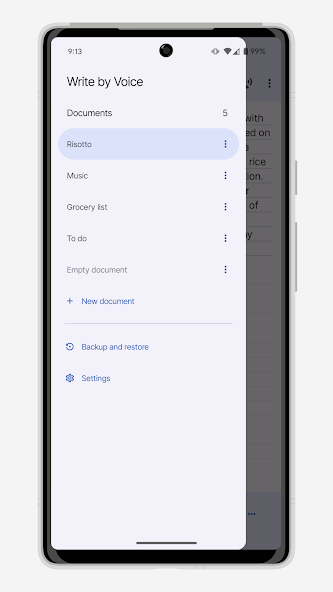
- - Unlimited Document Creation: Users can generate as many documents as they need, with the added comfort of automatic saving, ensuring that no creative thought is lost.
- - Editing History: This feature allows you to easily undo or redo any actions, making document editing both flexible and forgiving.
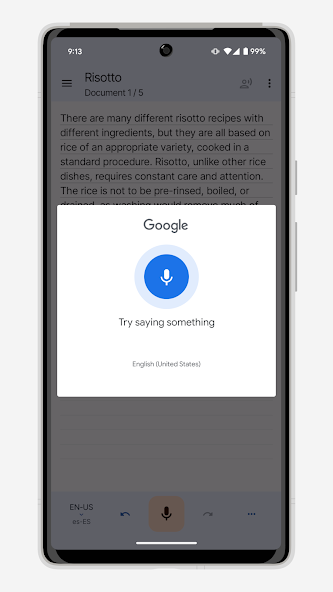
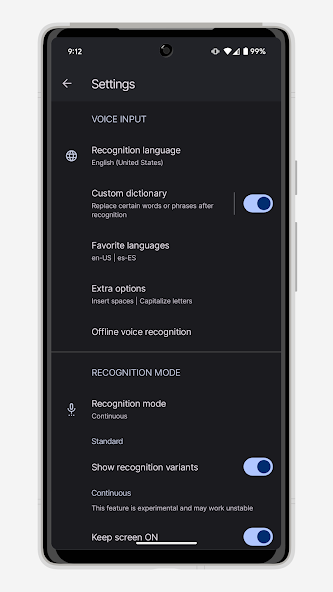
- - Advanced Voice Input: With support for multiple languages and refined recognition options, this app bridges communication gaps and tailors to international users.
- - Offline Mode: By installing necessary language packs, users can enjoy the functionality of voice to text conversion without needing an active internet connection.
- - Customizable Appearance: Choose a dark theme for prolonged use to save energy or adjust font sizes to enhance readability.
Practical Applications
Write by voice caters to diverse writing needs beyond just crafting text messages. It can be a vital tool for students taking class notes, professionals drafting emails, or anyone who relies on quick and accurate text input. The application supports seamless sharing of composed texts via various platforms, broadening its utility in different contexts.
Compatibility and Requirements
While Write by voice leverages Google's voice recognition service, users must ensure that supporting applications are in place for optimal operation. Those wishing to use its offline features will need to download language packages according to provided guidelines. With these in mind, Write by voice is a versatile app adaptable to various Android devices.
Advantages and Limitations
The strategic design of Write by voice allows users to save time and labor in text composition tasks. However, potential users should be aware of the need for language packs to fully exploit offline capabilities and might need to verify device compatibility with voice recognition software.
Explore Write by voice for Enhanced Productivity
Write by voice offers Android users an innovative solution for converting speech to text, significantly enhancing productivity for diverse tasks. Whether you're composing documents, sending messages, or drafting notes, this application promises a user-friendly interface and dependable performance. Interested users can easily find download options to experience its full potential firsthand. Delve into Android download information today to see how Write by voice could streamline your writing tasks.
Information
- Size:8.5M
- Language:EN
- Version:4.5.3
- Ratings:8.8
- Vendor:UXAPPS LTD
- Package ID:ru.vsms