InShot Pro
- Category:Photo Enhancement
- Updated:11 20, 2026
- Rating:6.2
Screenshots
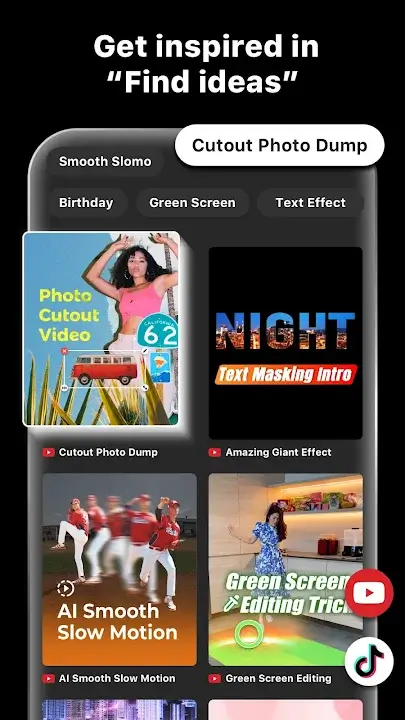
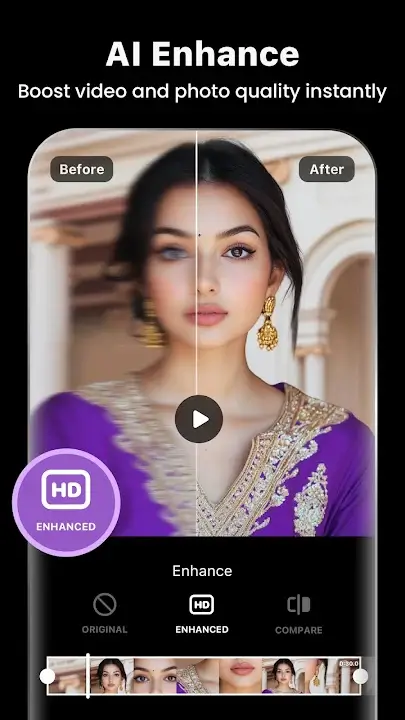
Introduction
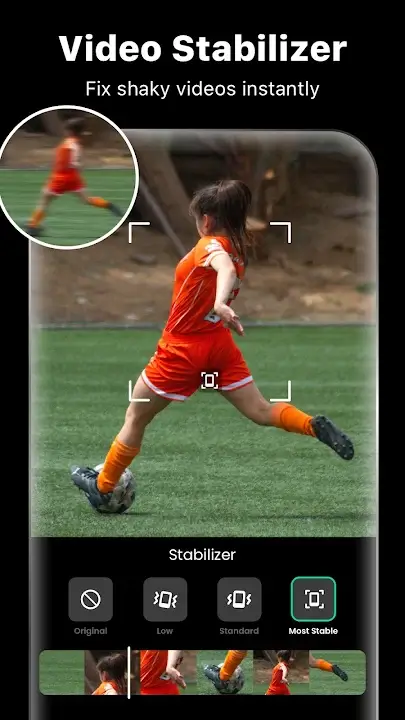
InShot Pro is a dynamic Android application designed for both aspiring and experienced video editors looking to enhance their content creatively and professionally. Known for its comprehensive suite of editing tools, InShot Pro allows users to trim, cut, apply effects, and add music to videos right from their mobile devices. One of its standout features is the ability to produce videos without intrusive ads or watermarks, allowing for a polished, professional finish. Users can expect a seamless editing experience with access to exclusive filters, stickers, and transition effects, suitable for creating shareable content for platforms such as Instagram, Facebook, and YouTube.
Exploring InShot Pro's Powerful Video Editing Features
InShot Pro provides a robust toolkit for video editing, making it a favorite among mobile editors. Users can perform a variety of editing actions such as trimming clips, cutting unnecessary parts, and concocting blur backgrounds for added visual appeal. Additionally, the app supports audio overlays, allowing users to seamlessly blend music tracks with their videos, enhancing the overall mood and tone.
User Interface and Comfort of Use
The application is renowned for its intuitive and user-friendly interface, which simplifies the video editing process. Even beginners can navigate through the different functionalities effortlessly, thanks to the logically organized tiles for each task. The interface is designed to make video editing a straightforward task, enabling users to create professional-grade videos with minimal effort.
Access to Exclusive Filters and Stickers
InShot Pro distinguishes itself with an extensive collection of filters and stickers, offering endless creative possibilities. While the free version has limited assets, the Pro version opens up access to a variety of thematic sticker packs and filters that users can download according to their needs. This feature enables editors to craft visually stunning videos that stand out on social media platforms.
Enhancing Video Quality with Full HD Export
For content creators focusing on quality, InShot Pro offers the capability to export videos in Full HD 1080p resolution. This ensures that videos maintain their crispness and clarity, making them ideal for professional presentations or social media influencers who prioritize high-quality content. The app's ability to maintain quality throughout the editing and exporting process significantly contributes to its popularity.
Creative Freedom with Transition Effects and Speed Control
InShot Pro provides users with a variety of transition effects categorized into Basic, Super, Glitch, Slice, and Light, enriching the storytelling aspect of video creation. Each category contains over 10 unique effects, allowing users to experiment and bring their videos to life. Furthermore, users can manipulate the speed of their videos, creating exciting slow-motion or accelerated sequences to match their creative vision.
Conclusion: A Must-Have for Video Editing Enthusiasts
InShot Pro presents an unparalleled video editing experience on Android devices. With its user-friendly interface and abundance of features, it empowers users to craft professional-quality videos effortlessly. Whether you're adding music, utilizing transition effects, or exporting in high-definition, this application provides all the tools necessary for exceptional video creation. If you're keen to explore top-tier editing capabilities without the usual premium costs, download InShot Pro today and transform your video projects into eye-catching masterpieces.
Information
- Size:59.37M
- Language:EN
- Version:1.700.2309.yingYongBao
- Ratings:6.2
- Vendor:InShot Video Editor.
- Package ID:com.camerasideas.instashot