Snapseed
- Category:Photo Enhancement
- Updated:11 18, 2026
- Rating:6.8
Screenshots
Introduction
Snapseed is a powerful and professional Android application designed for photo editing enthusiasts. Developed by Google and first released in 2011, Snapseed has become a go-to choice for those seeking advanced photo editing tools on their mobile devices. The app is renowned for its comprehensive suite of 29 meticulously optimized tools, allowing users to edit images with precision. Users can expect intuitive features like robust AI support for analysis, a plethora of filters and effects, and high-quality, non-destructive output. Whether you're a professional photographer or a casual user, Snapseed offers an array of editing capabilities to enhance your photos.
Advanced Photo Editing Tools
Snapseed is equipped with 29 professional-grade editing tools designed to cater to the needs of both amateurs and experts. These tools include cropping, brightness, and contrast adjustments, as well as specialized options like RAW image processing. The app allows users to import, edit, and export images in RAW format while preserving original quality. This feature is especially useful for photographers who capture in RAW for better editing flexibility.
Artificial Intelligence and Real-time Feedback
One of the standout features of Snapseed is its integration with advanced AI technology. This AI assists in analyzing images by recognizing faces, objects, and backgrounds before any editing is done, thus enabling more effective use of tools. The intelligent auto-correction feature swiftly identifies and rectifies any issues within the image, enhancing the overall editing process with real-time feedback.
Filters and Effects for Creative Freedom
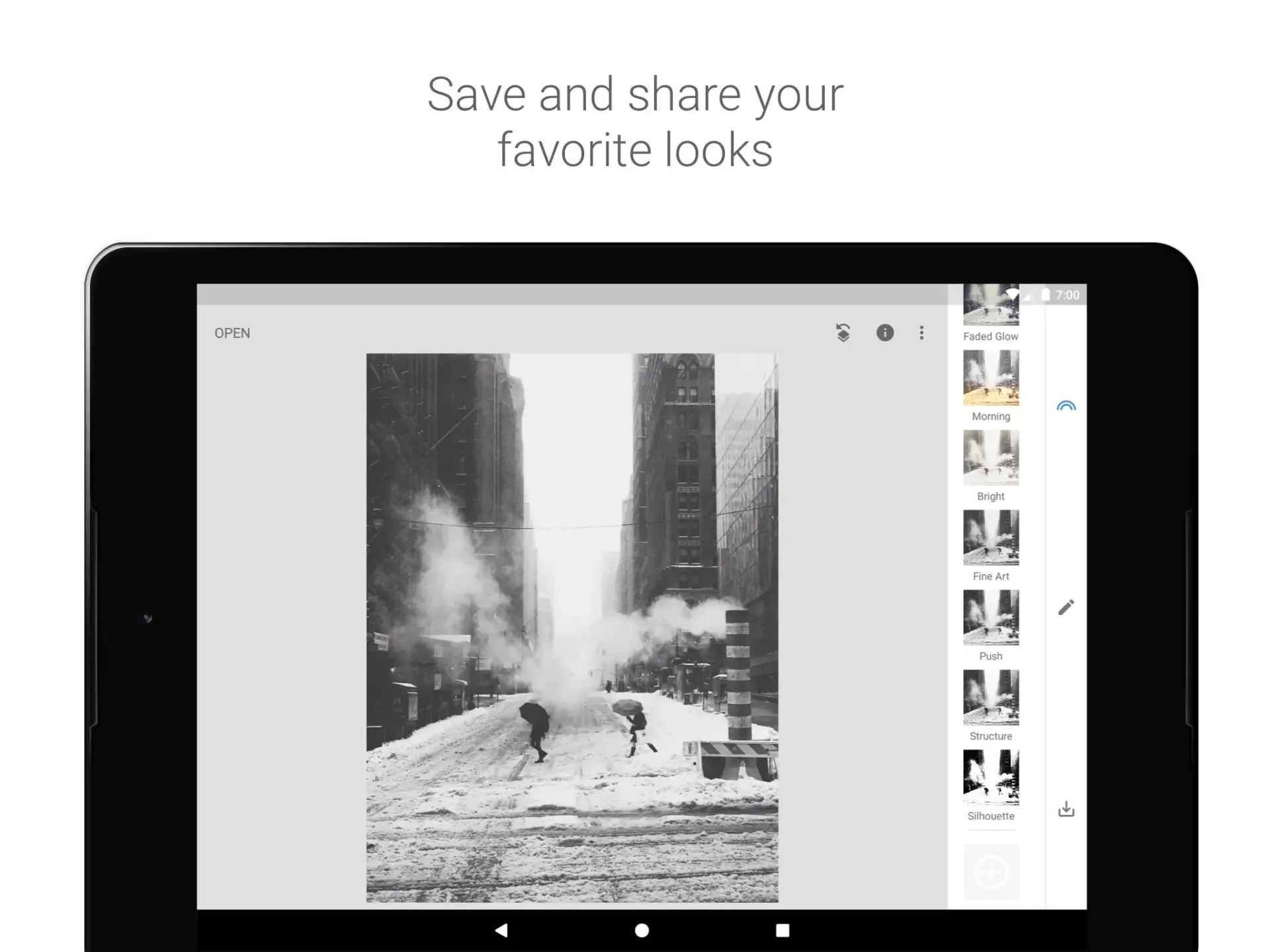
Snapseed provides an extensive range of filters and effects to transform simple photos into captivating images. These filters are categorized into types such as color, black and white, and vibrant, making it easy for users to find the perfect match for their vision. The ability to adjust the opacity and quality of filters offers further customization, ensuring the final output is precisely what the user desires.
Customization and Precision Control
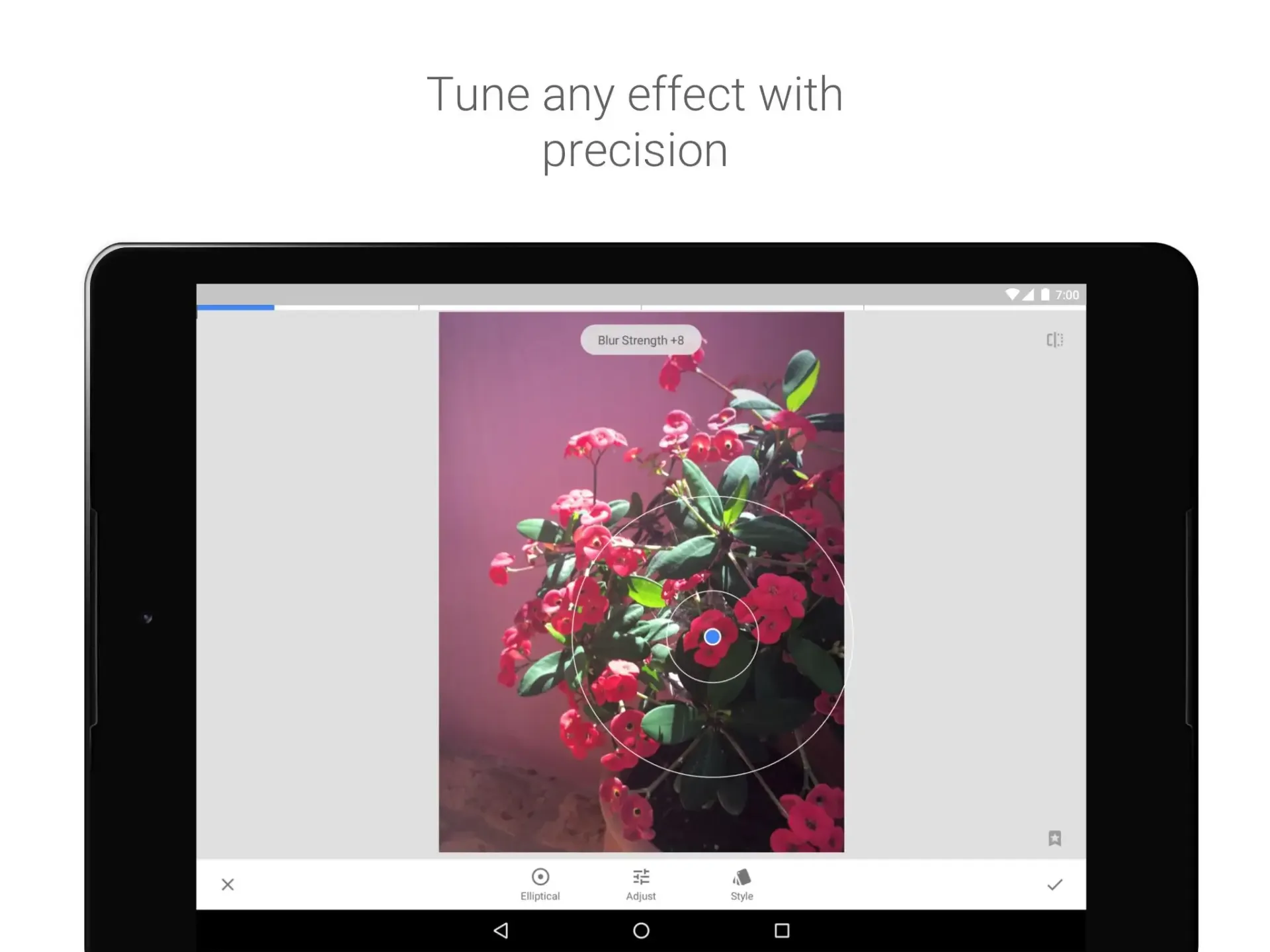
With Snapseed, users can easily adjust image contrast and brightness, solving common lighting issues in photos with just a few taps. The app's precision control lets users select specific areas for color and brightness adjustments, enhancing detail without altering the entire image. This level of customization is supported by tools like the brush tool for selective retouching and the unique details tool for exploring and enhancing image textures.
Concluding Insights on Snapseed
Snapseed stands out as a comprehensive photo editing tool for Android users, offering a balance of professional features and user-friendly operations. With its robust editing capabilities, integrated AI technology, and a wide array of filters and effects, Snapseed satisfies the editing needs of both casual users and professional photographers. Those looking to explore its full range of features can turn to the Android download options available to enhance their photo editing experience effortlessly.
Information
- Size:143.85M
- Language:EN
- Version:4.2.2.1018431449
- Ratings:6.8
- Vendor:Google LLC.
- Package ID:com.niksoftware.snapseed